Storefront
Find your next watch
Explore the platforms, competitions and screens that matter to you.
Open original PNGPaired media review
Review 55 paired artwork compositions and find their card labels and publication status.
Storefront
Explore the platforms, competitions and screens that matter to you.
Open original PNG
Storefront
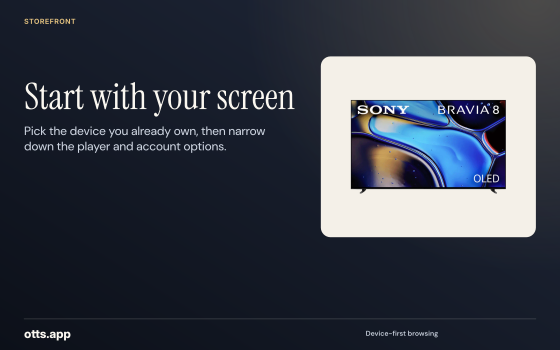
Pick the device you already own, then narrow down the player and account options.
Open original PNG
Storefront
Choose the titles you will actually play before comparing subscriptions.
Open original PNG
Storefront
Plan a live fixture, a catch-up programme and a film around the way you watch.
Open original PNG
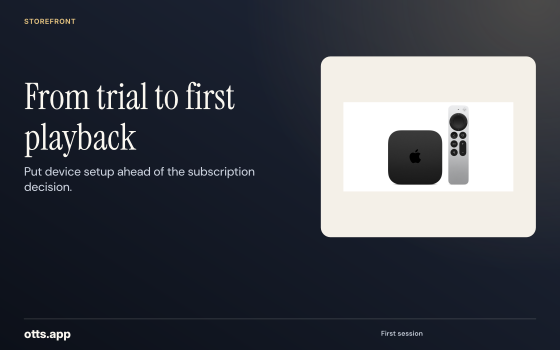
Storefront
Put device setup ahead of the subscription decision.
Open original PNG
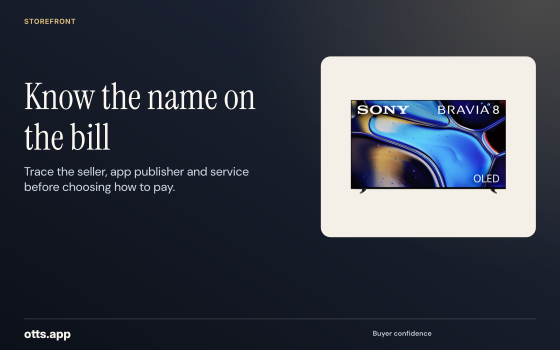
Storefront
Trace the seller, app publisher and service before choosing how to pay.
Open original PNG
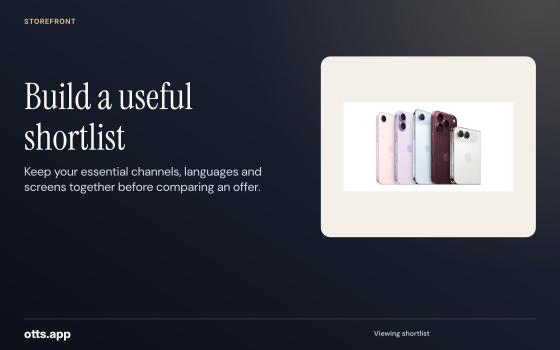
Storefront
Keep your essential channels, languages and screens together before comparing an offer.
Open original PNG
Storefront
Get a clear view of the app licence, subscription term and any extras.
Open original PNG
Entertainment
Find the public service, app and membership names you see on your screen.
Open original PNG
Entertainment
Look up the exact title and year before choosing a viewing route.
Open original PNG
Entertainment
Keep season and episode information clear when comparing catalogues.
Open original PNG
Entertainment
Start with an exact title, then look for authorized rental or subscription sources.
Open original PNG
Entertainment
Compare original audio, subtitles and accessibility options by title.
Open original PNG
Entertainment
Check which service and market a free or paid listing describes.
Open original PNG
Entertainment
Decide whether to pay for a single title or a membership you expect to keep.
Open original PNG
Entertainment
Check the TV store and developer listing before comparing streaming services.
Open original PNG
Sports desk
Start with the league, fixture and local broadcaster before planning the viewing setup.
Open original PNG
Sports desk
Find the session you want and confirm the local viewing source for it.
Open original PNG
Sports desk
Keep the tournament edition, stage and start time together.
Open original PNG
Sports desk
Find out where full replays and highlights are offered after a live event.
Open original PNG
Sports desk
Choose viewing arrangements around the fixtures you intend to follow.
Open original PNG
Sports desk
Check audio and on-screen language for the authorized feed in your market.
Open original PNG
Sports desk
A league, domestic cup and continental tournament each have a distinct viewing calendar.
Open original PNG
Sports desk
Check playback on your usual connection before relying on the setup for a live game.
Open original PNG
Subscriptions
Check the amount due, expiry and any next charge side by side.
Open original PNG
Subscriptions
Compare the cost of the months you need with a longer commitment.
Open original PNG
Subscriptions
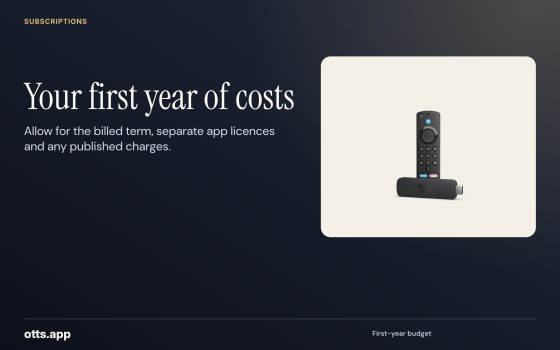
Allow for the billed term, separate app licences and any published charges.
Open original PNG
Subscriptions
Keep dates for the service, the player and any linked memberships.
Open original PNG
Subscriptions
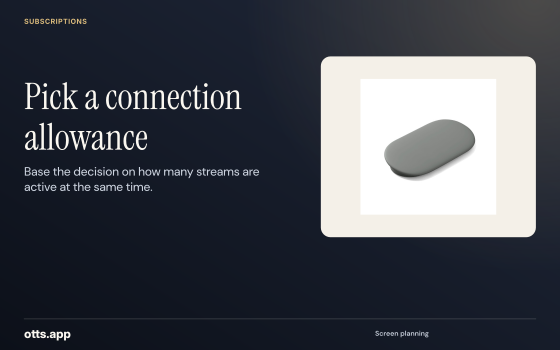
Base the decision on how many streams are active at the same time.
Open original PNG
Subscriptions
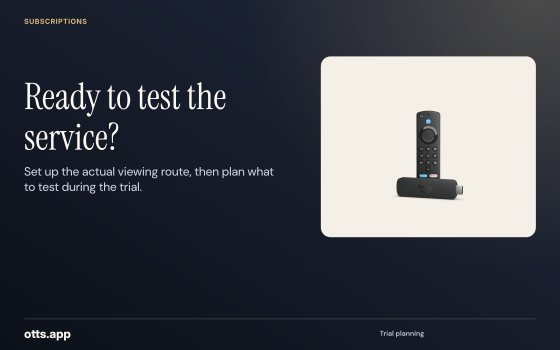
Set up the actual viewing route, then plan what to test during the trial.
Open original PNG
Subscriptions
Match the merchant identity to the plan and currency before paying.
Open original PNG
Subscriptions
Read prices in the same currency and term, with the same required features.
Open original PNG
Business
Compare credit models and clarify how operator access is provisioned.
Open original PNG
Business
Estimate activations and renewals before choosing a pack size.
Open original PNG
Business
Identify access roles, costs and the person responsible for account recovery.
Open original PNG
Business
Check your usable balance and when the additional credits become available.
Open original PNG
Business
Build the enquiry around territory, commercial terms and support obligations.
Open original PNG
Business
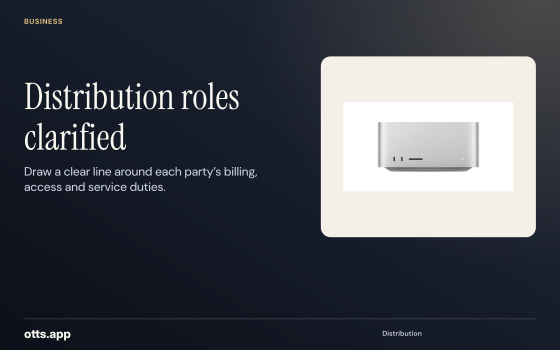
Draw a clear line around each party’s billing, access and service duties.
Open original PNG
Business
Put installation guidance and the reseller escalation path in the customer handover.
Open original PNG
Business
Use dated source evidence and describe the job each option is being compared for.
Open original PNG
Devices and help
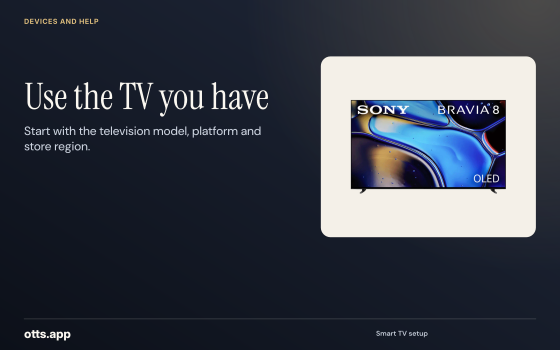
Start with the television model, platform and store region.
Open original PNG
Devices and help
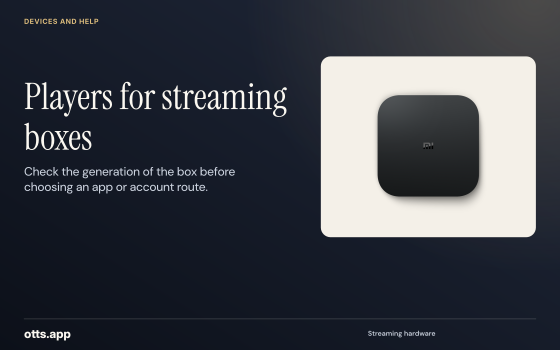
Check the generation of the box before choosing an app or account route.
Open original PNG
Devices and help
Confirm the publisher, store and sign-in route on the device you carry.
Open original PNG
Devices and help
Find out what your sender, receiver and app actually support.
Open original PNG
Devices and help
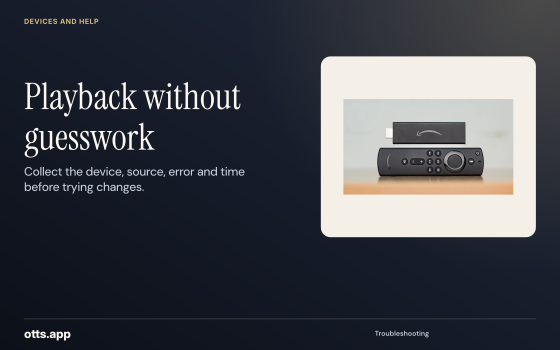
Collect the device, source, error and time before trying changes.
Open original PNG
Devices and help
Match confirmed payment, activation and sign-in before restarting setup.
Open original PNG
Devices and help
Keep a useful playback record without exposing passwords or playlist keys.
Open original PNG
Devices and help
Recheck the installed app and licensed source when changing hardware.
Open original PNG
Countries and channels
Browse the full country reference set and narrow your research to an exact feed.
Open original PNG
Countries and channels
Use the country, broadcaster and regional bulletin to find the right entry.
Open original PNG
Countries and channels
Identify the originating station and programme before checking access.
Open original PNG
Countries and channels
Record the language, commentary and captions you need on specific titles.
Open original PNG
Countries and channels
Check whether your source offers a live channel, replay or title library.
Open original PNG
Countries and channels
Find the provider’s current regional and device rules before relying on access away.
Open original PNG
Countries and channels
Start with one screen and one verified source, then expand your testing.
Open original PNG