 Strong 8K IPTV
Published source
Strong 8K IPTV · 120 credits
USD 222.00
USD 1.85 per credit
Evidence checked 17 November 2026
Review detailsBrowse provider offers
Choose a credit pack with the provider’s actual debit schedule, clarify panel access and estimate the cost for one customer term.
Each supported pack uses its provider’s documented standard term schedule. Panel fees and account exceptions need a separate quote.
No matching entries. Change the filters or browse the provider directory.
Strong 8K IPTVPublished source
USD 222.00
USD 1.85 per credit
Evidence checked 17 November 2026
Review detailsStrong 8K IPTVPublished source
USD 429.60
USD 1.79 per credit
Evidence checked 17 November 2026
Review detailsStrong 8K IPTVPublished source
USD 2,028.00
USD 1.69 per credit
Evidence checked 17 November 2026
Review details Trex IPTV
Published source
USD 111.00
USD 1.85 per credit
Evidence checked 17 November 2026
Review detailsTrex IPTVPublished source
USD 214.80
USD 1.79 per credit
Evidence checked 17 November 2026
Review detailsTrex IPTVPublished source
USD 507.00
USD 1.69 per credit
Evidence checked 17 November 2026
Review detailsTrex IPTVPublished source
USD 954.00
USD 1.59 per credit
Evidence checked 17 November 2026
Review details Golden OTT
Published source
USD 139.00
USD 13.90 per credit
Evidence checked 17 November 2026
Review detailsGolden OTTPublished source
USD 335.00
USD 13.40 per credit
Evidence checked 17 November 2026
Review detailsGolden OTTPublished source
USD 645.00
USD 12.90 per credit
Evidence checked 17 November 2026
Review detailsGolden OTTPublished source
USD 1,190.00
USD 11.90 per credit
Evidence checked 17 November 2026
Review details Dream 4K IPTV
Published source
USD 95.40
USD 1.59 per credit
Evidence checked 17 November 2026
Review detailsDream 4K IPTVPublished source
USD 178.80
USD 1.49 per credit
Evidence checked 17 November 2026
Review detailsDream 4K IPTVPublished source
USD 417.00
USD 1.39 per credit
Evidence checked 17 November 2026
Review detailsDream 4K IPTVPublished source
USD 774.00
USD 1.29 per credit
Evidence checked 17 November 2026
Review details 8K PRO IPTV
Published source
USD 222.00
USD 1.85 per credit
Evidence checked 17 November 2026
Review details8K PRO IPTVPublished source
USD 429.60
USD 1.79 per credit
Evidence checked 17 November 2026
Review details8K PRO IPTVPublished source
USD 2,028.00
USD 1.69 per credit
Evidence checked 17 November 2026
Review details Team 8K
Published source
USD 107.40
USD 1.79 per credit
Evidence checked 17 November 2026
Review detailsTeam 8KPublished source
USD 202.80
USD 1.69 per credit
Evidence checked 17 November 2026
Review detailsTeam 8KPublished source
USD 477.00
USD 1.59 per credit
Evidence checked 17 November 2026
Review detailsTeam 8KPublished source
USD 894.00
USD 1.49 per credit
Evidence checked 17 November 2026
Review details Ultra 8K IPTV
Published source
USD 107.40
USD 1.79 per credit
Evidence checked 17 November 2026
Review detailsUltra 8K IPTVPublished source
USD 202.80
USD 1.69 per credit
Evidence checked 17 November 2026
Review detailsUltra 8K IPTVPublished source
USD 477.00
USD 1.59 per credit
Evidence checked 17 November 2026
Review detailsUltra 8K IPTVPublished source
USD 894.00
USD 1.49 per credit
Evidence checked 17 November 2026
Review details B1G IPTV
Published source
USD 99.00
USD 0.99 per credit
Evidence checked 17 November 2026
Review detailsB1G IPTVPublished source
USD 445.00
USD 0.89 per credit
Evidence checked 17 November 2026
Review detailsB1G IPTVPublished source
USD 948.00
USD 0.79 per credit
Evidence checked 17 November 2026
Review details Pro Max 4K OTT
Published source
USD 228.90
USD 22.89 per credit
Evidence checked 17 November 2026
Review detailsPro Max 4K OTTPublished source
USD 547.50
USD 21.90 per credit
Evidence checked 17 November 2026
Review detailsPro Max 4K OTTPublished source
USD 1,024.50
USD 20.49 per credit
Evidence checked 17 November 2026
Review detailsPro Max 4K OTTPublished source
USD 1,899.00
USD 18.99 per credit
Evidence checked 17 November 2026
Review details Hot IPTV
Published source
USD 199.00
USD 1.99 per credit
Evidence checked 17 November 2026
Review detailsHot IPTVPublished source
USD 499.00
USD 1.66 per credit
Evidence checked 17 November 2026
Review detailsHot IPTVPublished source
USD 999.00
USD 1.00 per credit
Evidence checked 17 November 2026
Review details XOTT
Published source
USD 107.40
USD 1.79 per credit
Evidence checked 17 November 2026
Review detailsXOTTPublished source
USD 202.80
USD 1.69 per credit
Evidence checked 17 November 2026
Review detailsXOTTPublished source
USD 477.00
USD 1.59 per credit
Evidence checked 17 November 2026
Review detailsXOTTPublished source
USD 894.00
USD 1.49 per credit
Evidence checked 17 November 2026
Review details Crystal IPTV
Published source
USD 109.99
USD 11.00 per credit
Evidence checked 17 November 2026
Review detailsCrystal IPTVPublished source
USD 266.99
USD 10.68 per credit
Evidence checked 17 November 2026
Review detailsCrystal IPTVPublished source
USD 515.99
USD 10.32 per credit
Evidence checked 17 November 2026
Review detailsCrystal IPTVPublished source
USD 949.99
USD 9.50 per credit
Evidence checked 17 November 2026
Review details 4K OTT
Published source
USD 228.90
USD 22.89 per credit
Evidence checked 17 November 2026
Review details4K OTTPublished source
USD 547.50
USD 21.90 per credit
Evidence checked 17 November 2026
Review details4K OTTPublished source
USD 1,024.50
USD 20.49 per credit
Evidence checked 17 November 2026
Review details4K OTTPublished source
USD 1,899.00
USD 18.99 per credit
Evidence checked 17 November 2026
Review details Dino IPTV
Indexed source
USD 72.00
USD 1.20 per credit
Evidence checked 17 November 2026
Review detailsDino IPTVIndexed source
USD 118.80
USD 0.99 per credit
Evidence checked 17 November 2026
Review detailsDino IPTVIndexed source
USD 285.00
USD 0.95 per credit
Evidence checked 17 November 2026
Review detailsDino IPTVIndexed source
USD 510.00
USD 0.85 per credit
Evidence checked 17 November 2026
Review details Lion OTT
Published source
USD 249.75
USD 9.99 per credit
Evidence checked 17 November 2026
Review detailsLion OTTPublished source
USD 449.50
USD 8.99 per credit
Evidence checked 17 November 2026
Review detailsLion OTTPublished source
USD 799.00
USD 7.99 per credit
Evidence checked 17 November 2026
Review details HelloSky
Published source
USD 287.00
USD 1.15 per credit
Evidence checked 17 November 2026
Review detailsHelloSkyPublished source
USD 495.00
USD 0.99 per credit
Evidence checked 17 November 2026
Review detailsHelloSkyPublished source
USD 950.00
USD 0.95 per credit
Evidence checked 17 November 2026
Review details Sky Glass IPTV
Published source
GBP 180.00
GBP 1.00 per credit
Evidence checked 17 November 2026
Review detailsSky Glass IPTVPublished source
GBP 350.00
GBP 1.00 per credit
Evidence checked 17 November 2026
Review detailsSky Glass IPTVPublished source
GBP 850.00
GBP 1.42 per credit
Evidence checked 17 November 2026
Review detailsSky Glass IPTVPublished source
GBP 1,600.00
GBP 1.33 per credit
Evidence checked 17 November 2026
Review details RynexPlay
Published source
USD 170.00
USD 0.85 per credit
Evidence checked 17 November 2026
Review detailsRynexPlayPublished source
USD 395.00
USD 0.79 per credit
Evidence checked 17 November 2026
Review detailsRynexPlayPublished source
USD 690.00
USD 0.69 per credit
Evidence checked 17 November 2026
Review details 5G Live
Published source
USD 139.00
USD 1.39 per credit
Evidence checked 17 November 2026
Review details5G LivePublished source
USD 399.00
USD 1.33 per credit
Evidence checked 17 November 2026
Review details5G LivePublished source
USD 1,290.00
USD 1.29 per credit
Evidence checked 17 November 2026
Review details IPTV USA
Published source
USD 111.00
USD 1.85 per credit
Evidence checked 17 November 2026
Review detailsIPTV USAPublished source
USD 214.80
USD 1.79 per credit
Evidence checked 17 November 2026
Review detailsIPTV USAPublished source
USD 507.00
USD 1.69 per credit
Evidence checked 17 November 2026
Review detailsIPTV USAPublished source
USD 954.00
USD 1.59 per credit
Evidence checked 17 November 2026
Review detailsOpen a provider card for its artwork, published terms, setup routes and forum discussions.
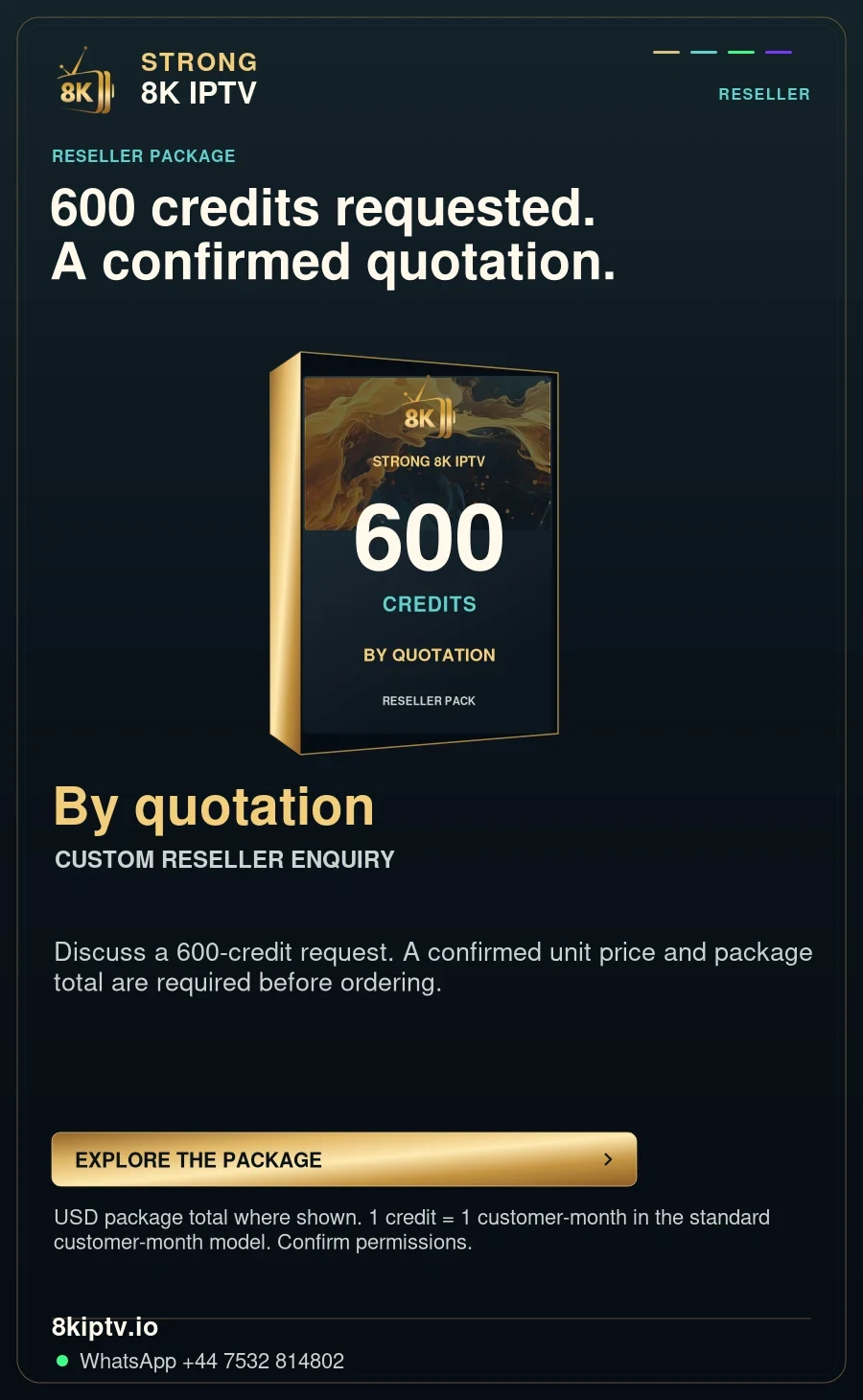
8kiptv.io
Check the exact Strong 8K plan and the support route attached to the account.
USD 9.99 · 1 month term
Current publisher page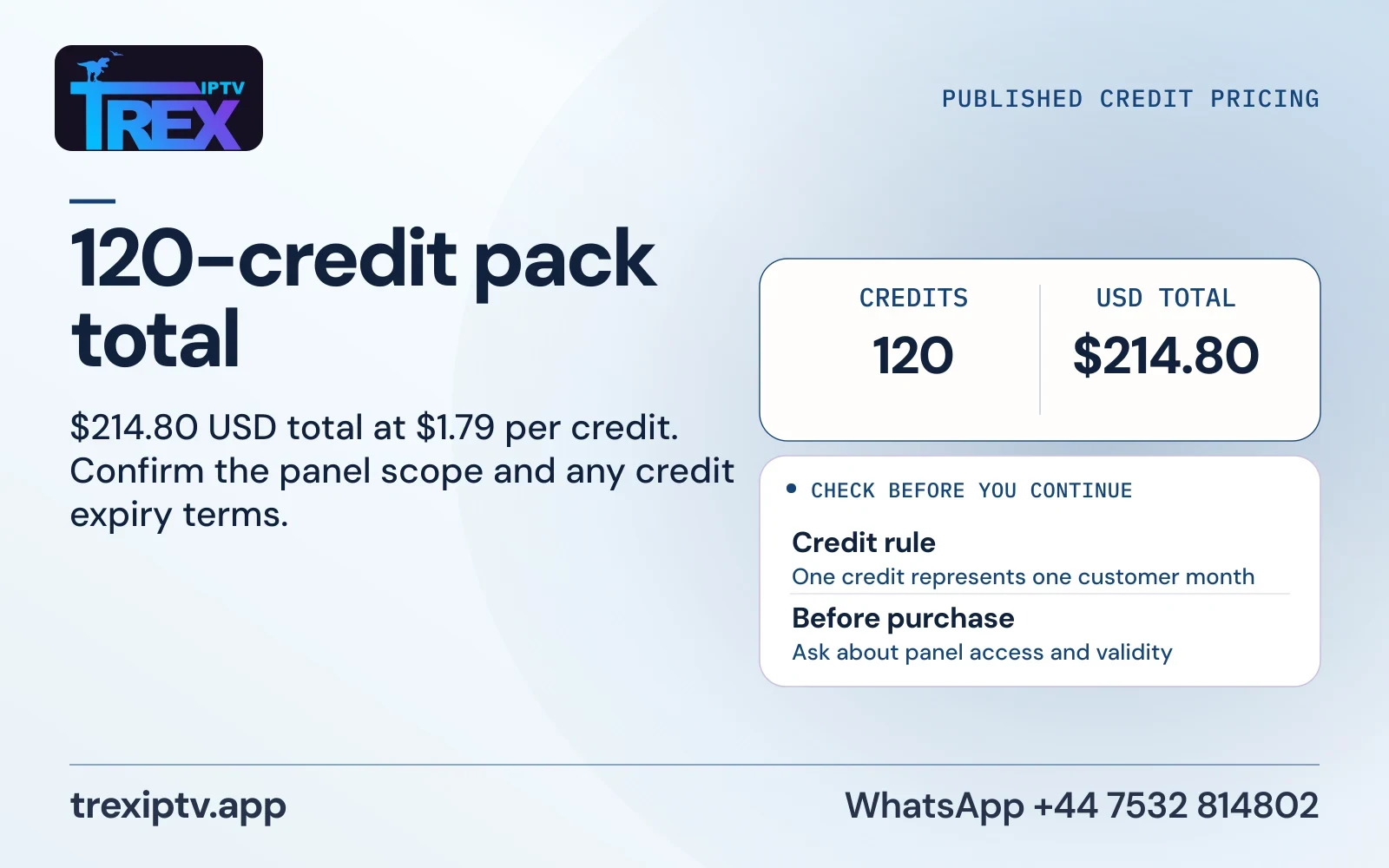
trexiptv.app
Compare subscription terms and reseller credit units as separate products.
USD 9.99 · 1 month term
Current publisher page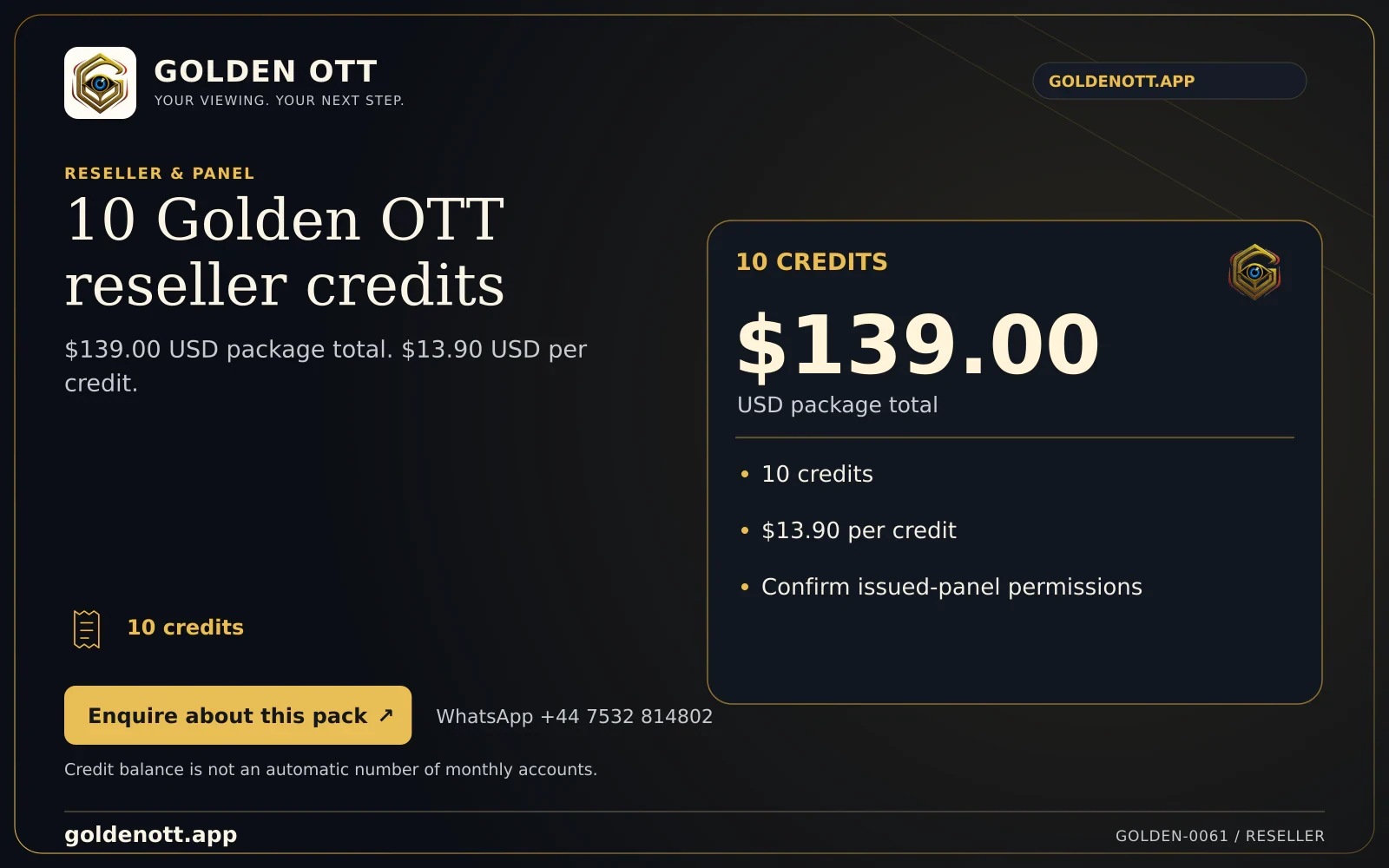
goldenott.app
Use the provider’s full reseller pack total and account rules for a quote.
USD 8.99 · 1 month term
Current publisher page
dream4kiptv.net
Find device setup instructions for the actual player you will install.
USD 8.99 · 1 month term
Current publisher page

8kiptv.app
Use the exact domain to distinguish this listing from similarly named services.
USD 9.99 · 1 month term
Saved publisher artwork
8kpro.tv
Check the full-term bill and the setup steps for your primary screen.
USD 9.99 · 1 month term
Current publisher page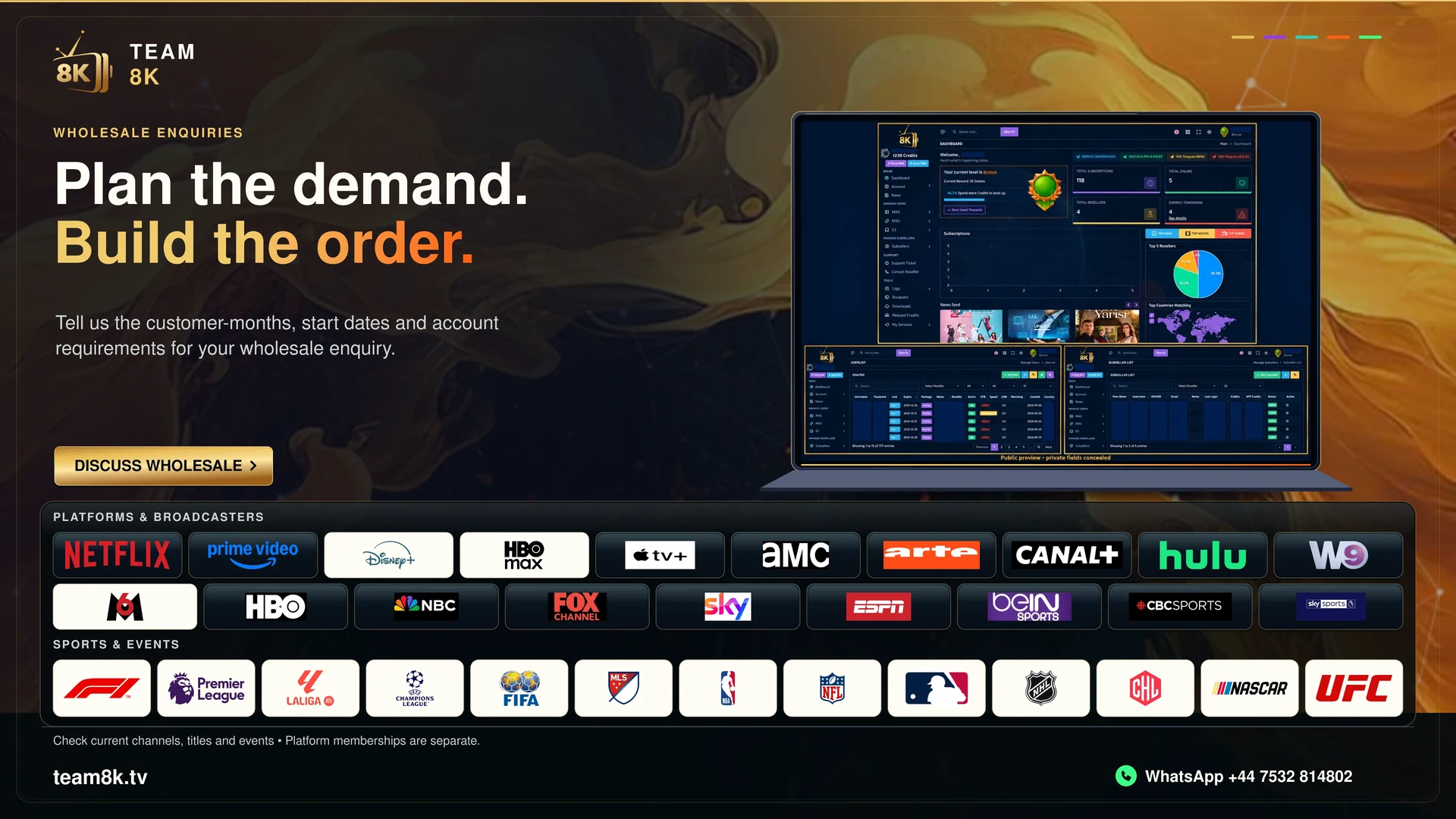
team8k.tv
Review the published customer connection and separate reseller credit model.
USD 9.59 · 1 month term
Current publisher page

megaott.io
Confirm which domain and service operator appear on any account instructions.
USD 6.99 · 1 month term
Current publisher page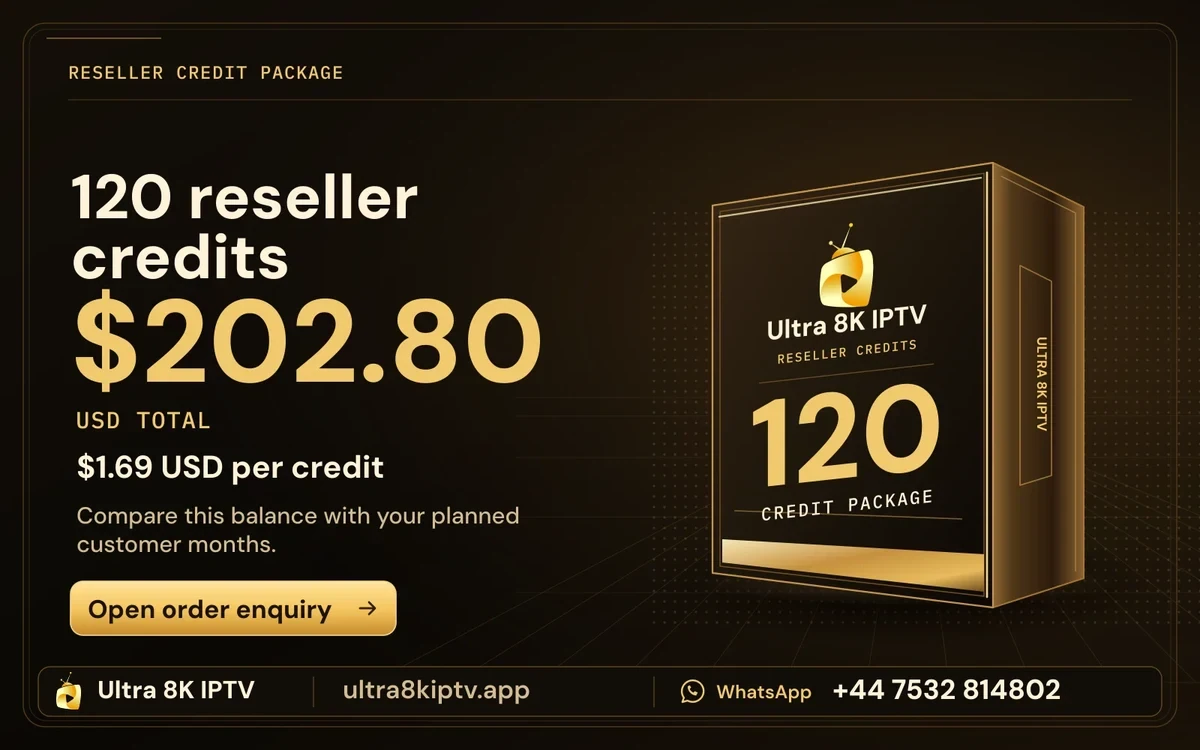
ultra8kiptv.app
Check the offer source for real playback conditions and allowed screens.
USD 9.59 · 1 month term
Current publisher page

smarter8k.app
Treat the player’s app name and the subscription seller as separate identities.
USD 11.99 · 1 month term
Current publisher page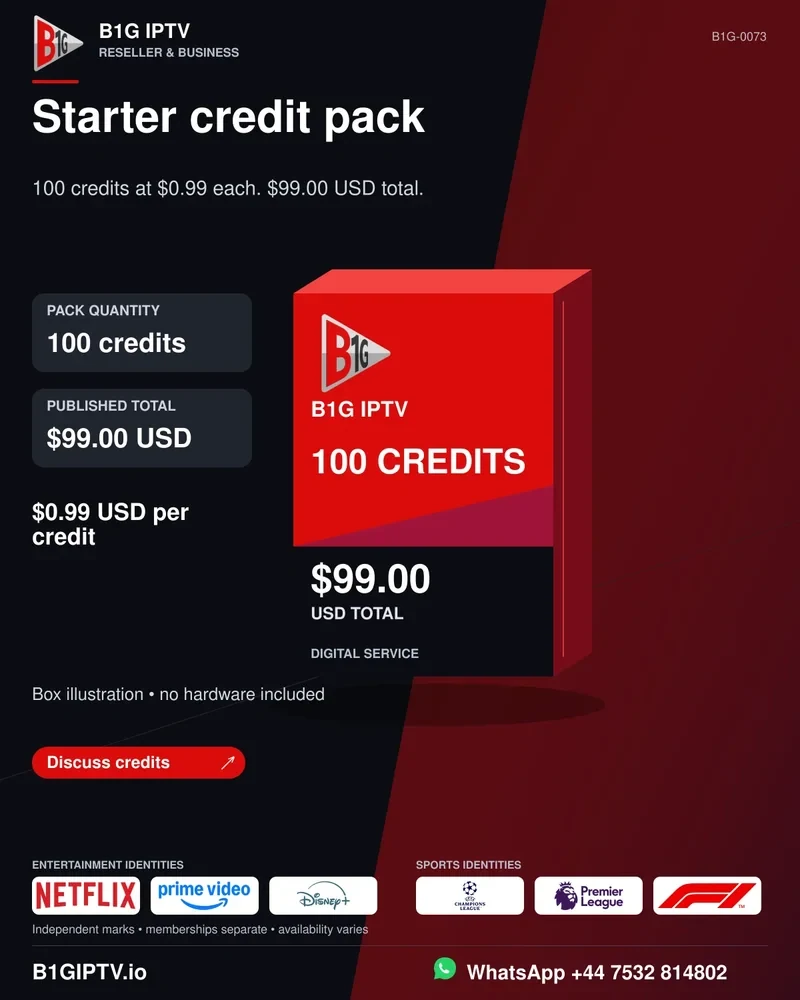
b1giptv.io
Use the exact casing and domain to trace the order and support information.
USD 7.99 · 1 month term
Current publisher page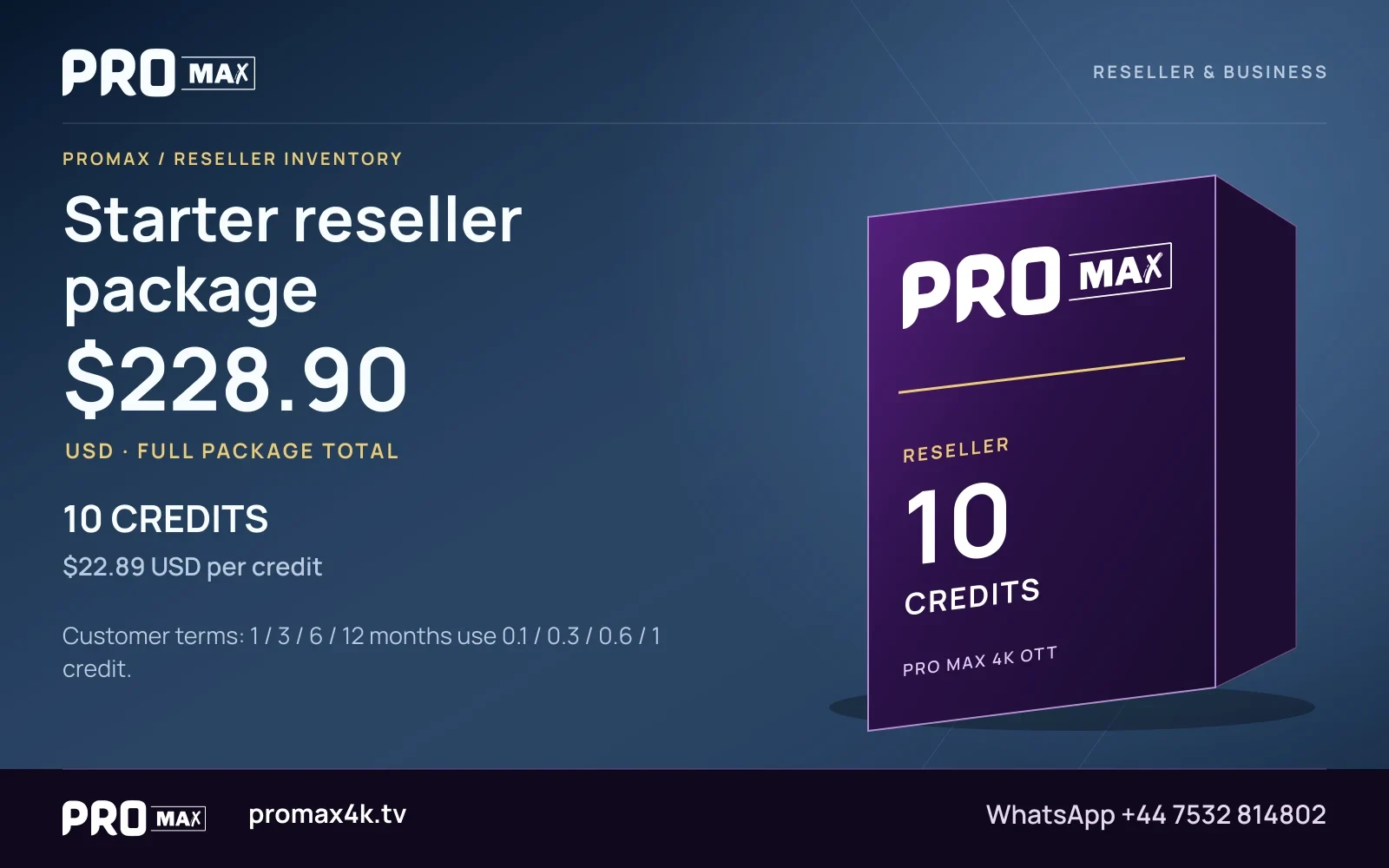
promax4k.tv
Use published USD totals and the actual term deduction for reseller planning.
USD 9.99 · 1 month term
Current publisher page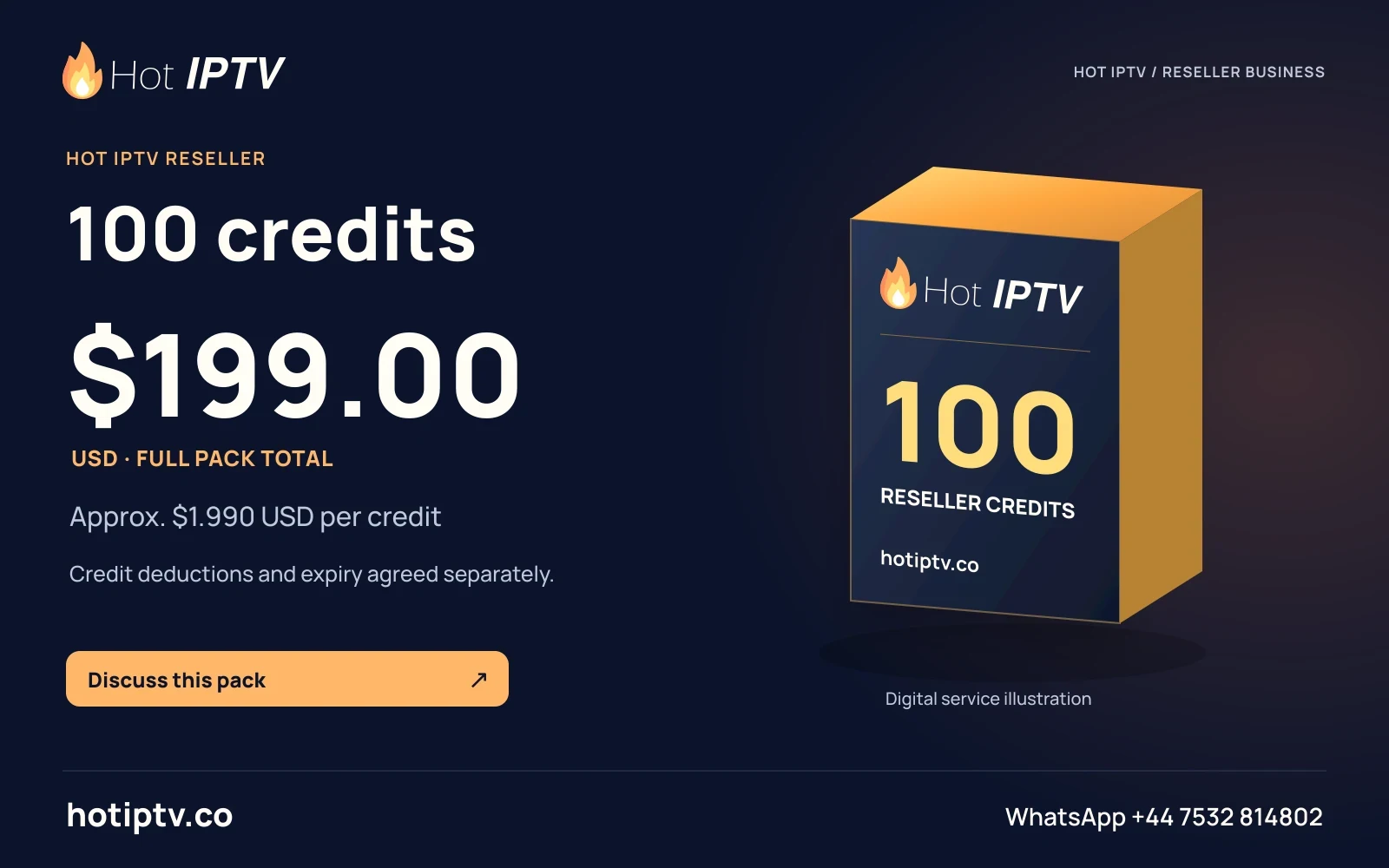
hotiptv.co
Check whether a quoted offer covers the player, service, or a separate charge for each.
USD 11.99 · 1 month term
Current publisher page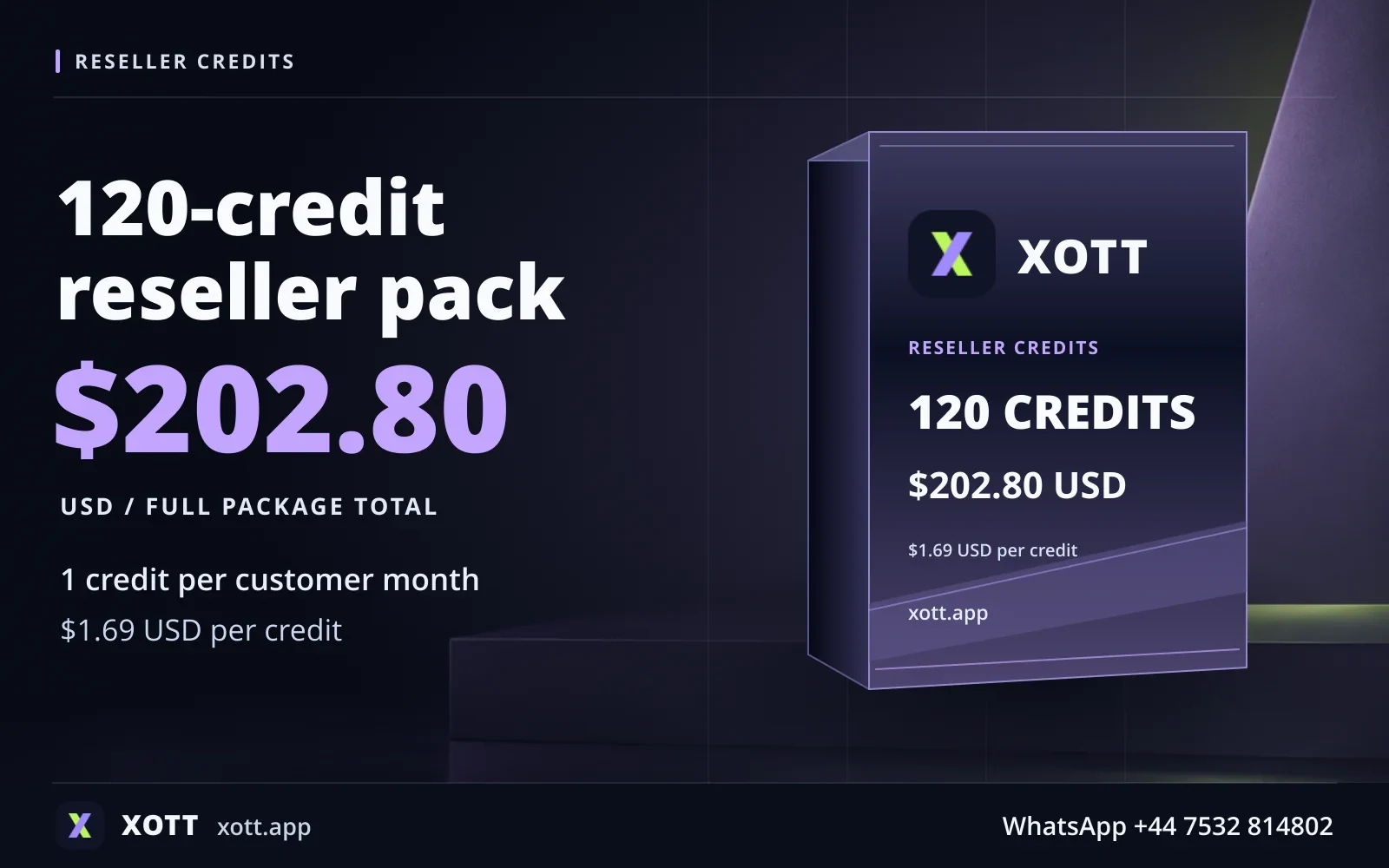
xott.app
Confirm the public app listing before relying on a set of installation instructions.
USD 9.59 · 1 month term
Current publisher page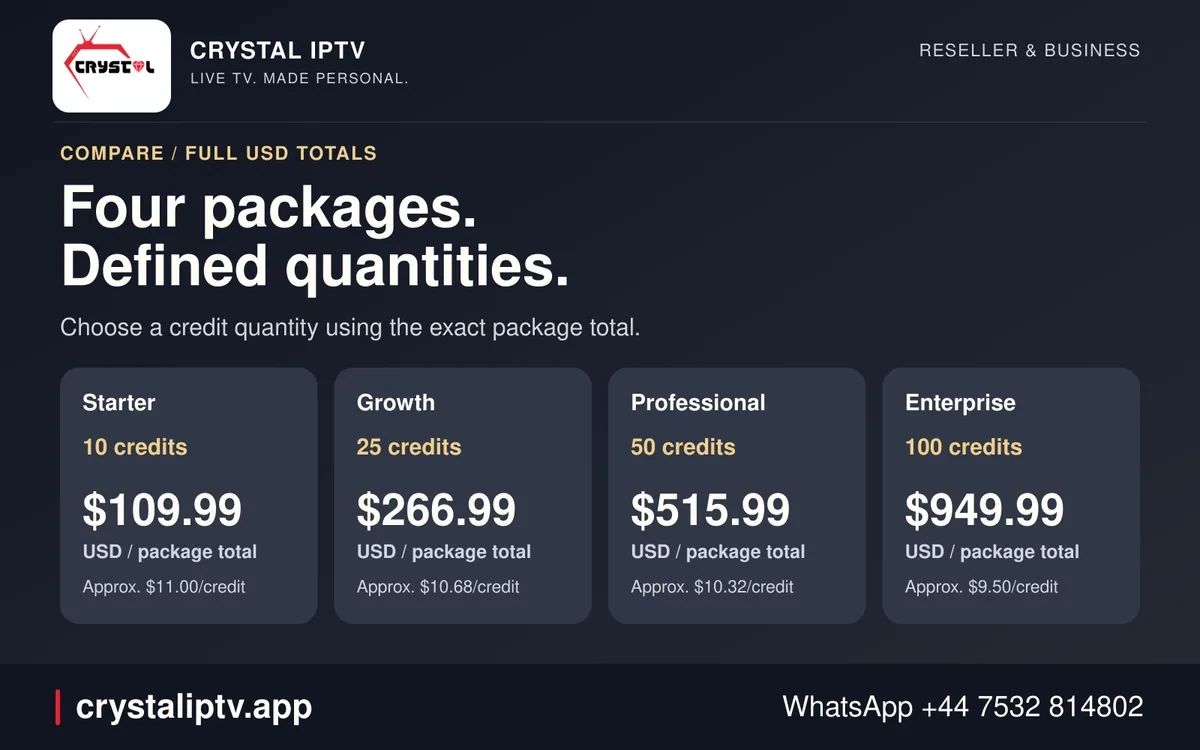
crystaliptv.app
Ask for the written term, currency and seller before comparing an order.
USD 8.99 · 1 month term
Current publisher page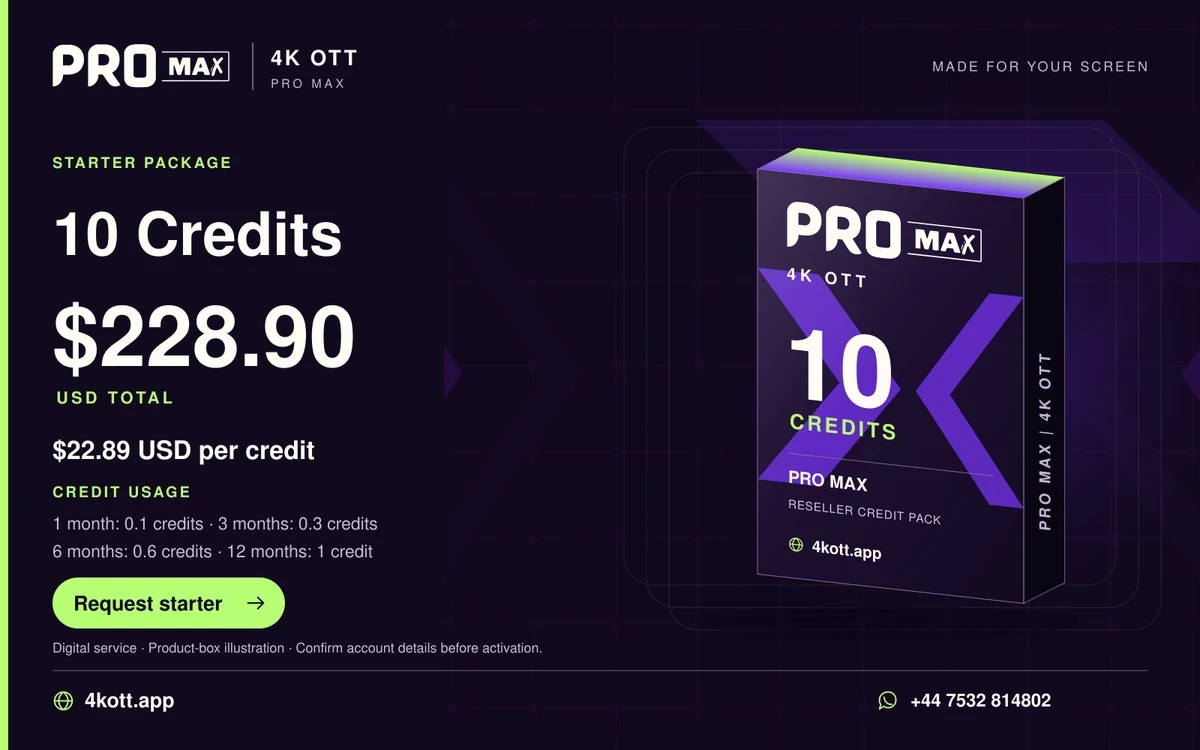
4kott.app
Use the exact source URL when matching plans with similar names.
USD 9.99 · 1 month term
Current publisher page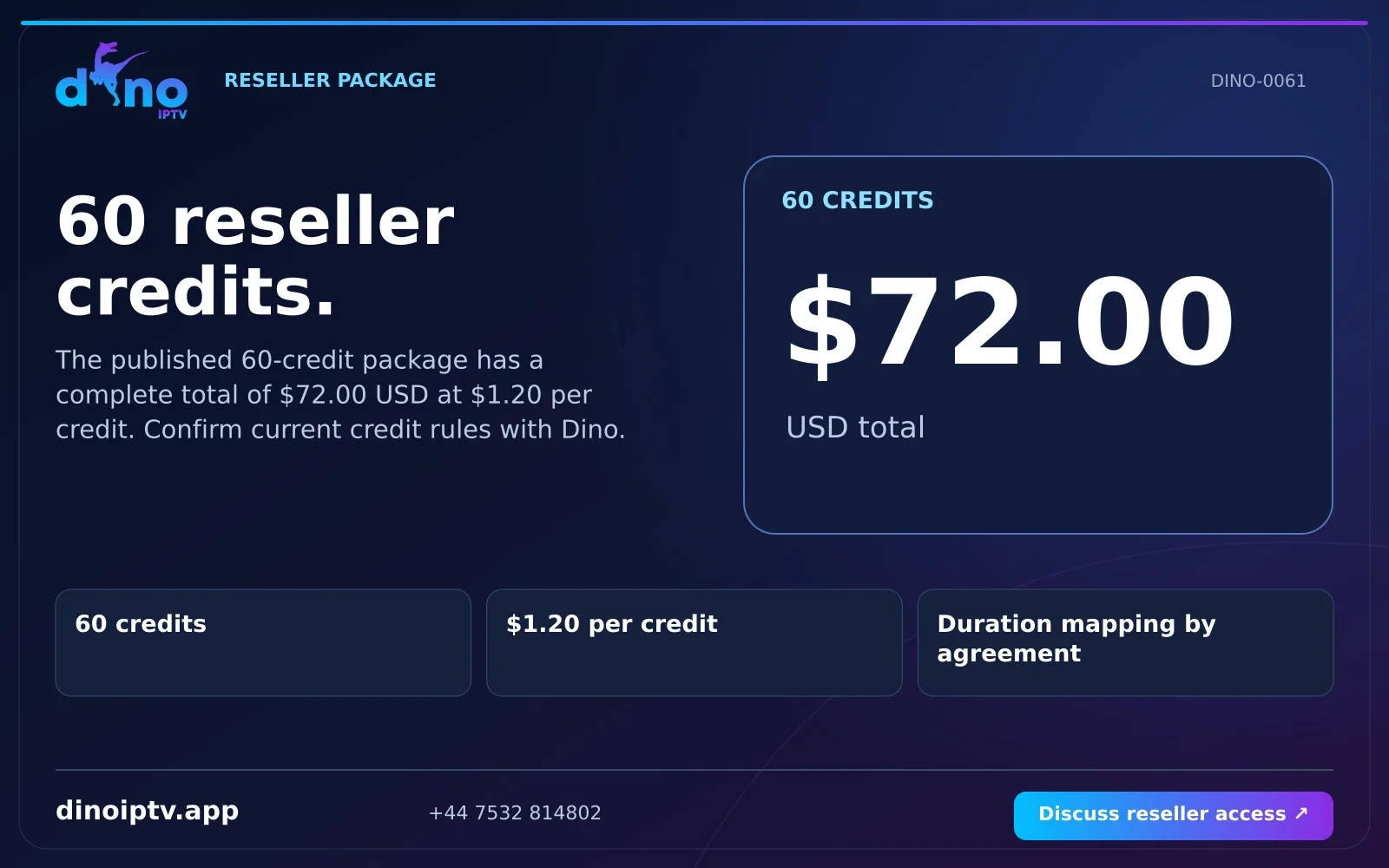
dinoiptv.app
Check the terms behind the trial before using it to evaluate a screen.
USD 8.99 · 1 month term
Saved publisher artwork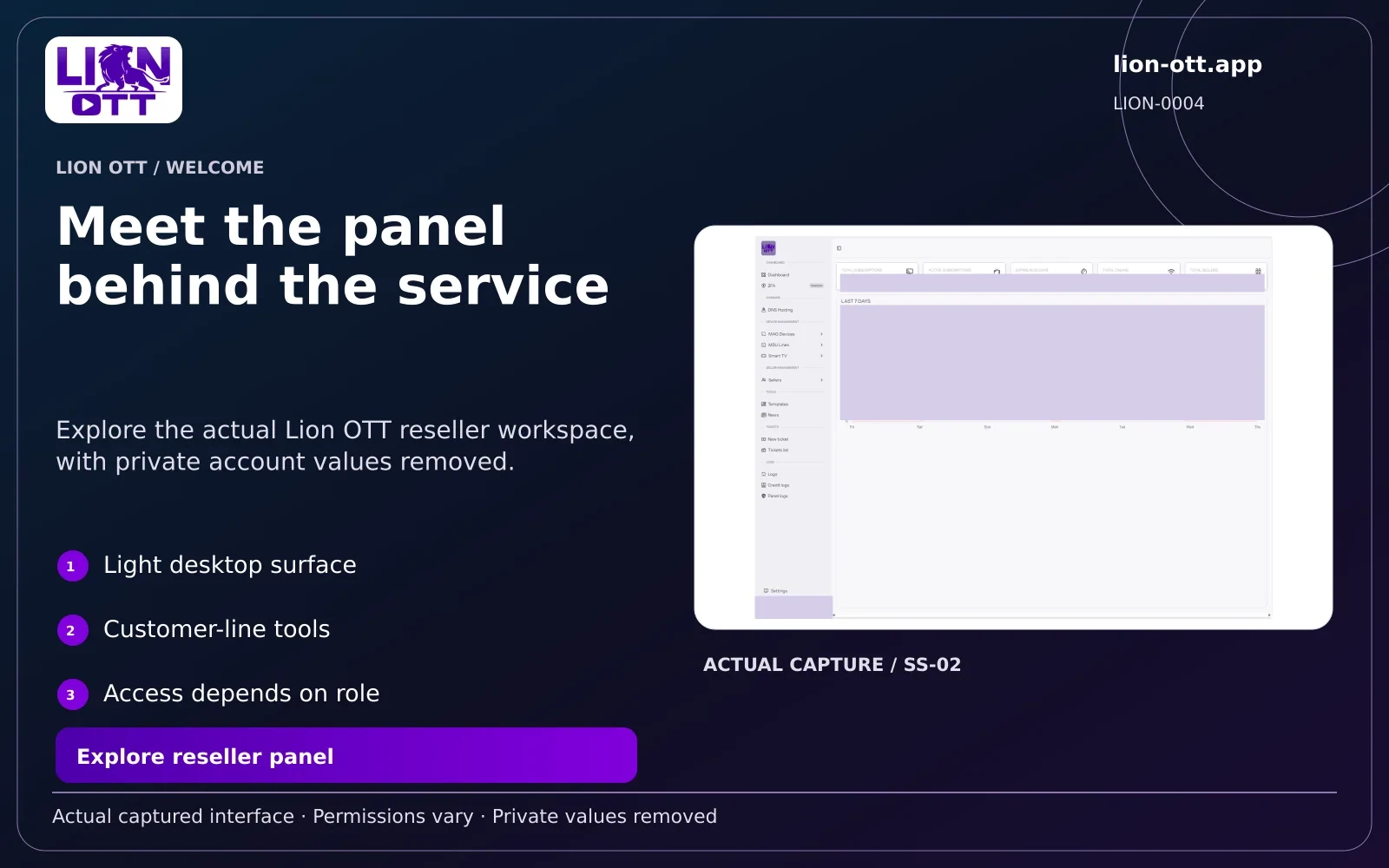
lion-ott.app
Confirm the account type and exact setup steps on the device you use.
USD 7.99 · 1 month term
Current publisher page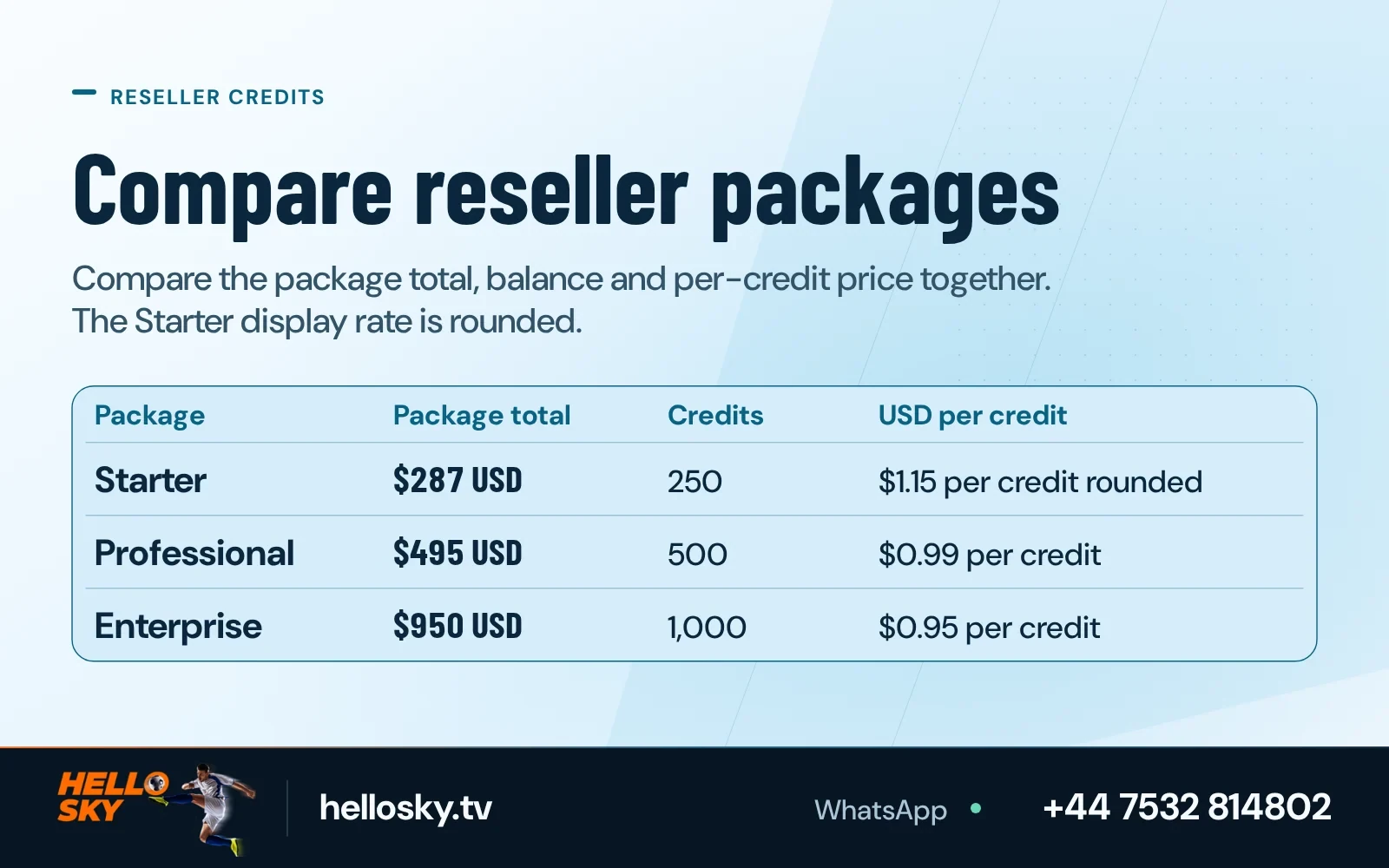
hellosky.tv
Identify the correct seller and app before comparing with other similarly named brands.
USD 7.99 · 1 month term
Current publisher page

4kiptv.app
Look up the actual terms for any named resolution or device support claim.
EUR 6.99 · 1 month term
Saved publisher artwork

megaott.app
Keep this domain distinct from megaott.io until documented ownership is confirmed.
USD 6.99 · 1 month term
Current publisher page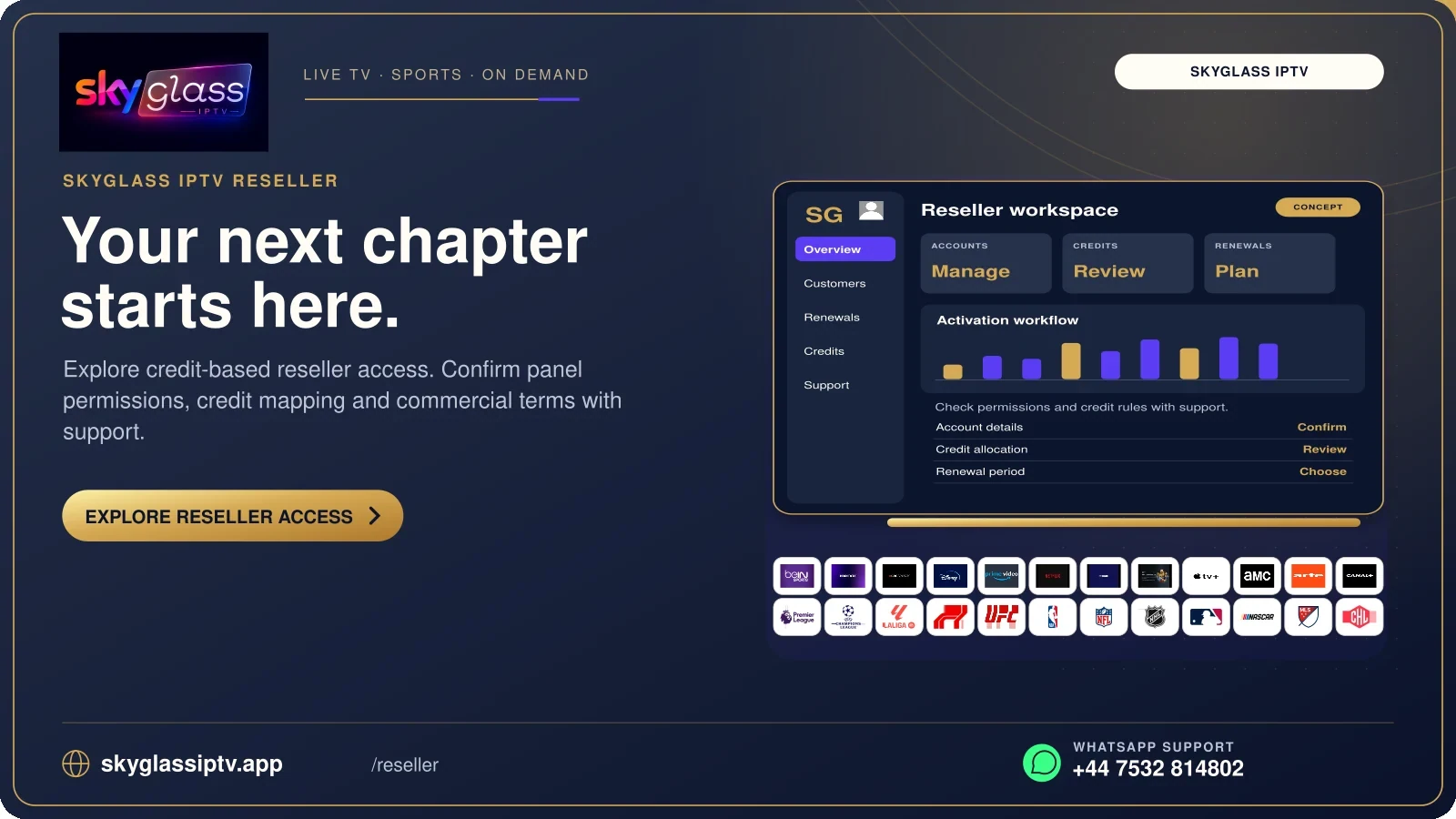
skyglassiptv.app
Verify service and device identities separately before assuming a brand relationship.
GBP 6.00 · 1 month term
Current publisher page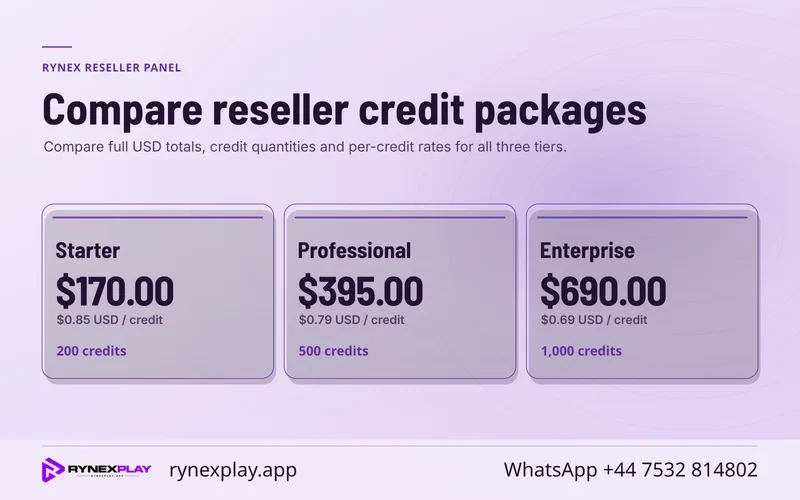
rynexplay.app
Start with the current publisher listing and published account method.
USD 6.99 · 1 month term
Current publisher page

starshare.app
Quote the source domain when checking regional feeds or contacting order support.
Saved publisher artwork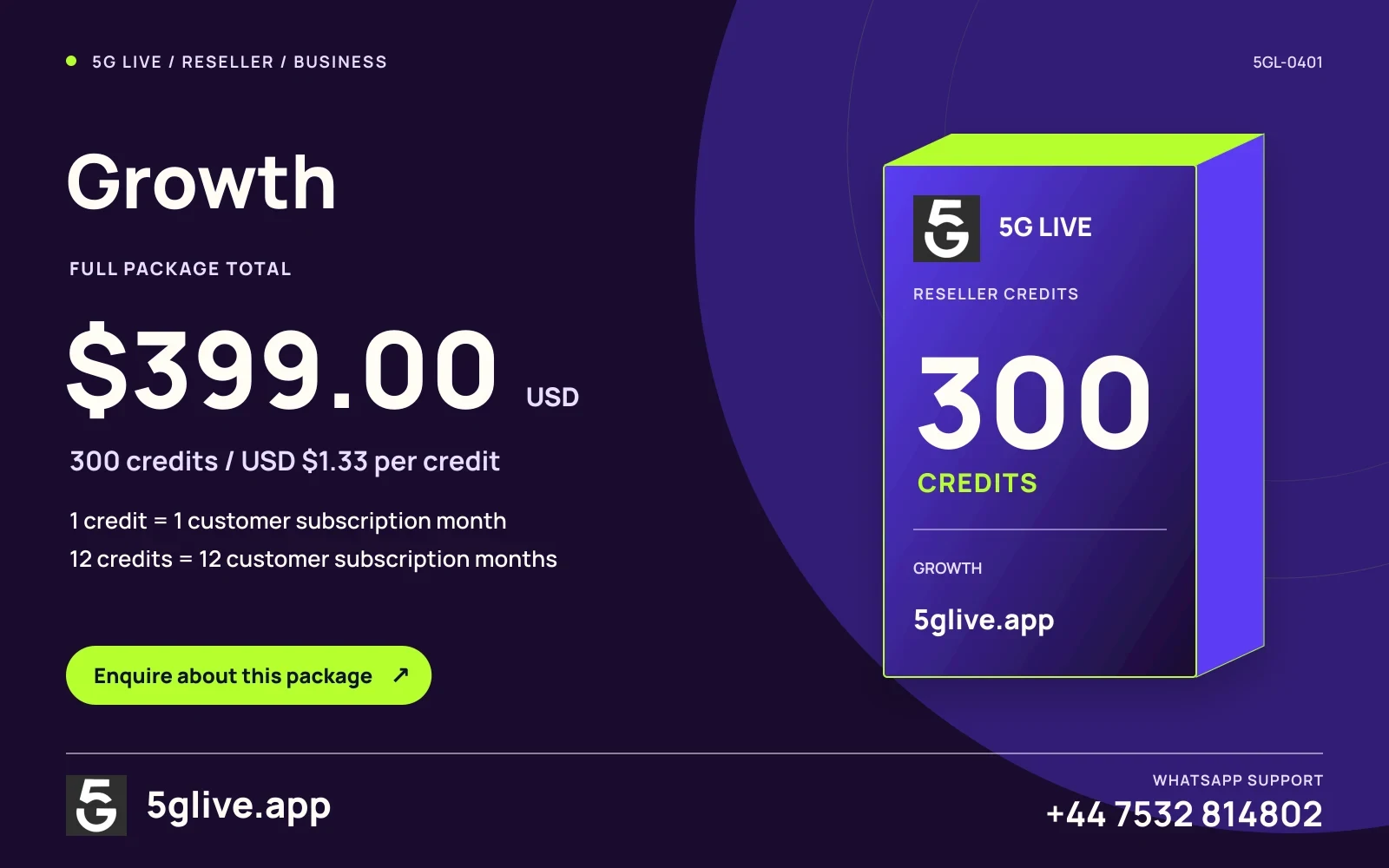
5glive.app
Confirm the approved service terms for live viewing and use the exact feed name.
USD 6.99 · 1 month term
Current publisher page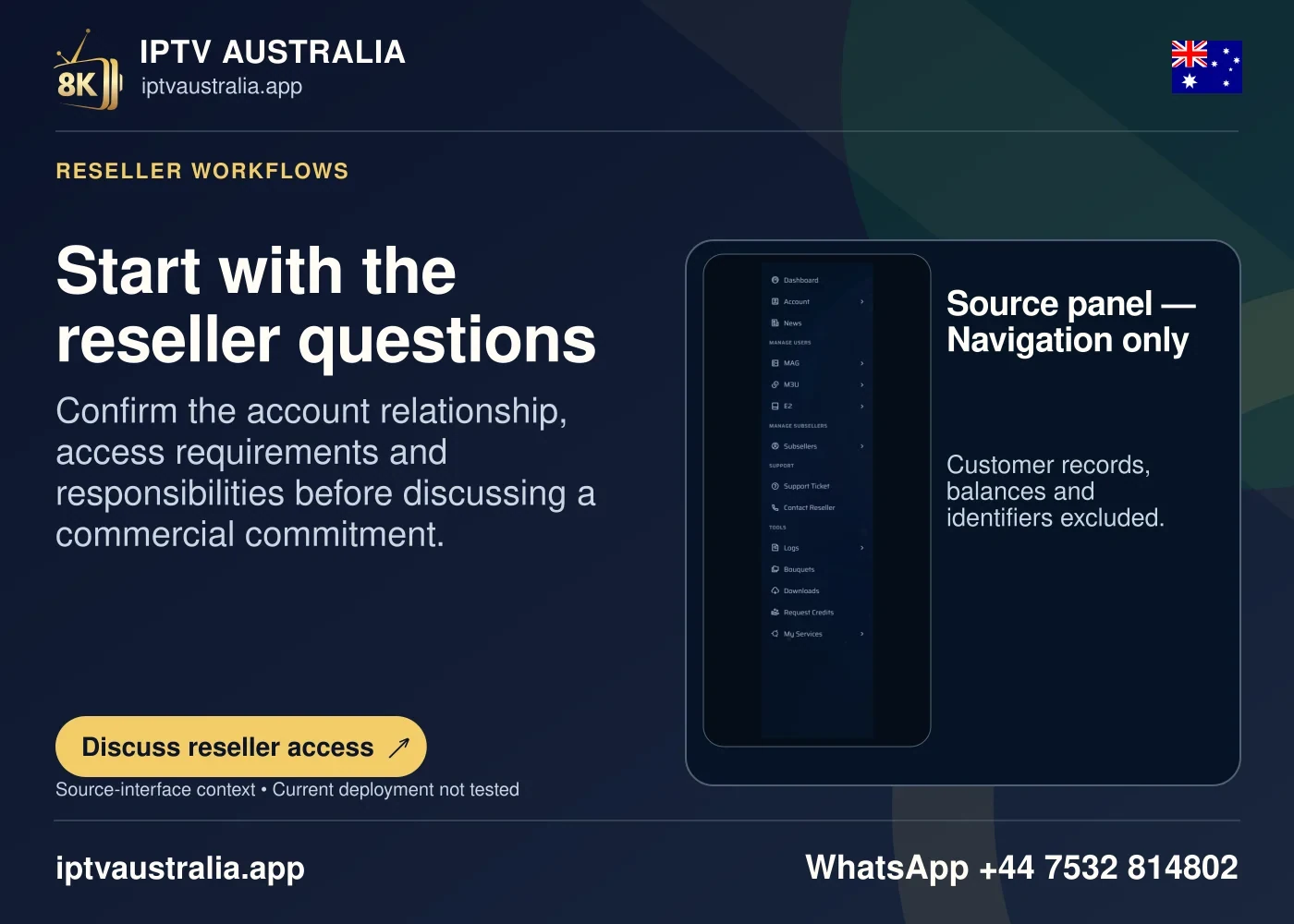

iptvaustralia.app
Check the broadcaster and regional feed before comparing country-specific access.
AUD 11.99 · 1 month term
Current publisher page

iptv-canada.app
Look up the exact language and edition of the channel or title you want.
CAD 13.99 · 1 month term
Current publisher page

ukiptv.app
Separate national broadcaster names from local editions and catch-up apps.
GBP 7.49 · 1 month term
Current publisher page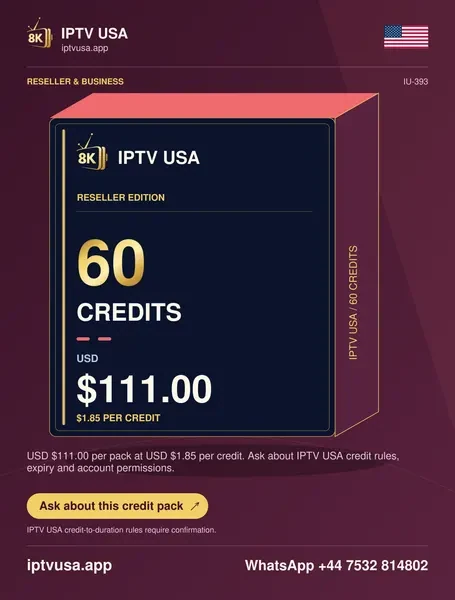
iptvusa.app
Confirm the local market, specific station and viewing rights for a live source.
USD 9.99 · 1 month term
Current publisher page

iptveurope.net
Check the language, country and broadcaster rather than relying on a regional label.
EUR 8.99 · 1 month term
Current publisher pageIt is a unit used by a provider to allocate activation or renewal. The term-to-credit schedule is part of the specific provider's terms.
Select the same customer duration and stream requirement. Multiply each provider's per-credit allocation rate by the specified debit for that term.
No. Use each actual pack total and divide by its quantity. A fee, different credit category or renewal policy can change the comparison.
It assigns part of the pack's published cost to the entered customer terms. The actual purchase may still require the full pack and separate fees.
Only when the provider documents that one customer action for the chosen term uses one credit. Check the exact debit before doing the calculation.
Ask for the provider's complete expiry and renewal rules for the pack. Record its start date, expiration date and how unused units are handled.
Check the size of the shortfall and find a documented larger pack or top-up. Do not assume a partial purchase is allowed.
OTTs.app editorial
A reseller panel turns an agreed customer term into an access record and a credit movement. Those three things can be checked independently. Keep the customer’s approved duration and connection requirements, the expected debit under the supplier’s rule, and the result actually posted to the account. A reseller who can connect those records after an interruption will spend less time re-creating accounts and asking other people to reconstruct decisions.
The price cards above describe observed inventory offers. Use them to shortlist a supplier and a pack. Before adding customers, confirm the exact debit model, expiry treatment, support access and who is allowed to provision an account. A prepared price comparison covers only part of a business workflow. How you handle a failed renewal on a busy Friday deserves the same attention.
List the customers whose terms are due and add the date each decision must be made. A near expiry is a reason to ask what the person wants. It is not automatically an order. Put confirmed, likely and undecided terms into separate columns. Count each customer’s authorised streams, device or account options where those change the debit. A business that adds every possible account to its first pack forecast is likely to buy inventory ahead of its known work.
Start with a typical week. Write down two renewals due Tuesday, one new account that needs a supported television app and a customer who may change from a monthly to a quarterly term. Decide which decisions are confirmed. Assign an operator and time for the first check. A good forecast uses the dates and amounts you can already connect to real requests. A second forecast can show what would happen if the undecided customer returns. These two records play different roles when you choose a pack.
Work backwards from support. A renewal on a familiar device may take little time. A first setup on a complicated screen can take much longer than its credit debit suggests. Set aside a realistic appointment, ask about the device before choosing a quote, and keep the purchase window large enough to speak to the supplier if something is unclear. Fast growth is easy to write into a forecast. A diary with real support capacity gives it shape.
Compare customer terms separately from sales expectations. A small shop might have six confirmed monthly customers and one confirmed annual renewal. Those names belong in a list you can follow up on. The number of people who asked about future plans belongs in an opportunity list. When you value purchased inventory, keep those lists visible. It makes a larger pack an intentional decision rather than an assumption hidden in a multiplication.
Request the provider's published model or a written schedule for your account. Find the term table with the debit printed beside each duration. Ask which plan types use the table and whether add-ons, multi-connection choices or special territory arrangements alter the amount. A filled quantity on a purchase quote can be clear while the rule for applying it remains unknown. The difference matters before the first renewal.
A customer-month model and a lookup model are easy to confuse. Team 8K publishes a one-credit debit for a standard customer month and twelve for a standard customer year. The Pro Max table lists one month at 0.1, three at 0.3, six at 0.6 and twelve at 1.0 credits. The annual value in that lookup is explicit. Twelve separate one-month allocations would use 1.2 credits under that published schedule. One annual allocation uses the table’s 1.0. The choice affects both cost and customer commitment.
Use quantities and units in the same sentence. “One credit” has meaning only when you identify the supplier and standard customer action. A colleague who sees “1” in a row cannot tell whether it is a whole annual term, one month, one connection or a published operational minimum. Write “Team 8K standard 1-month customer term → 1 credit” or “Pro Max standard 1-month customer term → 0.1 credit” in your own reconciliation notes. Keep the effective source date near the field.
Hold prices and rules separately. A change in the pack total may leave the debit schedule intact. A change in the debit schedule may affect the usefulness of a balance you already paid for. Ask whether a newly issued account or package uses different terms. If the text is unclear, ask for a worked answer for the exact three-, six- or twelve-month account you are about to provision. This gives the seller a small, testable question rather than asking them to explain their entire reseller programme.
Suppose an upcoming batch contains four monthly, three quarterly and two annual customers who have chosen ordinary terms. With a one-credit-per-customer-month model, the allocations are four credits, nine credits and twenty-four credits. The total is thirty-seven standard credits. On a Team 8K 60-credit pack at its published USD 107.40 total, the allocation value at the USD 1.79 rate is USD 66.23. If those are the only operations, twenty-three credits remain.
The same duration mix yields different units at Pro Max. The monthly group uses 0.4 credit, the quarterly group uses 0.9, and the annual group uses 2.0. Total debit is 3.3 credits. The 10-credit USD 228.90 starter pack allocates about USD 75.54 at the published USD 22.89 rate. The 6.7-credit remaining balance is in Pro Max’s own units. The two balances cannot be compared by subtracting one count from the other.
For each batch, keep these fields side by side: complete pack price, optional extra business charges, selected customer terms, expected pack debit, allocated cost, actual debit, and remaining balance. Use exact decimal values where the supplier uses tenths. Display money rounded to two decimals at the end. If a reseller rounds each small allocation before adding it, the total allocated for a mixed batch can differ by a few cents. Reconcile the business record consistently with the supplier’s actual invoices.
Then test the cash outlay. In the first example the operator must pay USD 107.40 to acquire the whole pack, although the allocated value of the known work is USD 66.23. In the second the operator must pay USD 228.90 for the 10-credit pack, although the allocated value is around USD 75.54. This distinction can govern what a small business can start with. The lower allocated rate for a chosen workload and the lower cash requirement for the first purchase are useful separate answers.
Work out what earns its place on the business ledger. The published pack cost is one item. Payment fees, refunds, setup time, support for devices, software used to handle enquiries and the cost of an agreed refund or replacement can change the final result. Expired inventory can also make the usable unit more expensive than the initial published price. Ask which costs apply to a specific order and leave a visible line for unknowns.
For a simple illustration, assume a scenario with an allocated credit cost of USD 20 for a customer term and a hypothetical USD 3 charge for processing. If the seller also paid a one-time USD 9 player fee to make the customer’s screen usable and took responsibility for it, the direct outlay recorded in the scenario is USD 32. Staff time and later corrections still sit outside that figure. The example explains the arithmetic; your actual terms, prices and responsibilities can differ.
Track the cost in the same unit in which it is incurred. An annual phone package, a per-activation processor charge and a monthly app fee have different recurrence. Decide who owns each one. If the customer already owns a compatible player, do not include a fresh fee in the seller's cost for that order. If a partner provides a separate licence, write who issues it and which channel will handle a support request. The customer should be able to see the same separation on the agreed quote.
When checking inventory across two purchases, keep the opening credit batch and the new batch visible. If different pack rates apply and the operator needs an internal blended cost, use the actual cost and actual units of both batches before allocating. Example: paying USD 100 for 50 units and USD 175 for 100 more gives 150 units at a blended acquisition cost of about USD 1.83 each. That cost is useful for internal review. Keep the vendor's individual invoice figures intact.
Pick one account where the buyer has already confirmed the desired term, supported device and any simultaneous streams. Verify the right to provision the service and the intended acquisition path with the seller. Open a clean administration session from the address supplied for your reseller account. Read the expected cost and customer expiry before creating anything. Plan what you will do if a status stays pending, so a slow page does not lead to multiple clicks.
Store a reference for the transaction without recording credentials in notes shared with staff who do not need them. Record the requested duration, beginning balance, action time, expected debit and resulting record. Compare the dashboard with the account view. A business can sometimes see the debit before the expiry updates. Keep a timestamp and check again through the provider's normal route rather than assuming failure. Where available, link the ledger to the confirmed operation ID.
For the handoff, send access details through the process specified by the provider. The support note can explain which app, which account type and which screen the customer should open. Store the status of the handoff separately. “Prepared” can mean the operator created a row. “Delivered” can mean they transferred the details. “Confirmed working” needs a customer's or operator's actual test. When these words are used consistently, another person can see where to investigate without asking the customer to start again.
After the first trial customer, review the workflow. Decide whether a question about the hardware should have come before pricing. See whether the selected account type matched the supported player. Count how long the setup took. Compare the actual debit and expiry with your estimate. These steps reveal which part of the process scales easily and which part keeps returning to a person, before a larger pack locks more money into it.
Renewal deserves its own form or private record. Give it a customer reference, current expiry, requested duration, target account, expected start date and approved billing conditions. Keep the intended extension visible. A new account with the same display name can look successful while leaving the original account about to expire. An account renewal can also apply from a different date from the one you put on the quote.
Before starting the operation, decide who checks the customer's requested term while the person doing the activation is at the panel. Some businesses can handle that check with a one-page queue. Mark pending approval separately from approved. If payment from the customer is necessary before proceeding, record confirmation through its own system. A pending payment does not automatically create permission to deduct credits. A pending panel response also does not automatically require trying the order again.
If a buyer changes their mind after the quote, withdraw the old scheduled operation and make one clearly labeled replacement plan. A short list of “hold,” “approved,” “submitted,” “confirmed” and “needs provider” states is often enough. Use the state names you can actually verify. Keep the resubmission decision in the record if an account had to be recreated after a genuine provider correction.
After confirmation, compare the expiry and balance. Send the customer the relevant information through their normal account channel and note the effective end date. Leave the next scheduled renewal uncommitted until the appropriate agreement is in place. If the contract has automatic renewal terms, follow the written subscription arrangement rather than reconstructing it from dashboard screens. A boring renewal record is evidence of a process you can hand to another operator.
A published panel image can help staff recognise the customer list, wallet or reseller controls. The actual role granted to a business determines who can use those controls. Ask the supplier for the permitted tasks. Decide who can open or extend accounts, approve wallet purchases, request reversals and create additional staff access. The question changes again if a distribution agreement lets a second business manage accounts under your arrangement.
Give staff access fitted to their duties where the panel offers role controls. An employee helping with device setup may need the support case and app instructions. Someone reconciling a wallet needs transaction records. Neither automatically needs the owner password. Turn on available account protections approved by the provider, use separate supported accounts and keep recovery information securely with the account owner. Avoid storing administration credentials alongside public-facing support links.
Use two records in any access change. One identifies the permission that is pending or approved. The other confirms whether the panel actually applied it. This is important when an employee leaves or a role is narrowed. A business needs to know that an old login or token is removed, that a successor can perform their approved work and that the owner can recover access. Ask the publisher for the applicable process rather than testing unknown administrative addresses.
Keep the accounts list clean enough to review regularly. Write who owns the business access, who is allowed to place a customer term, the support route that can change roles and where to find current rules. A colleague should be able to respond to an expired session without sharing a personal password on a forum. A practical small business uses the panel it is assigned and separates permission, commercial relationship and ability to help with a customer screen.
When a balance changes unexpectedly, freeze the chronology. Write the visible balance before the action, the requested operation and its expected debit. Note what the log displays after confirmation or failure. A request could be registered but still processing. A warning might belong to the interface while the underlying credit movement is complete. Check the account expiry and the wallet through their normal approved screens before repeating the action.
An example has one confirmed customer expecting a six-month renewal. The standard pack says six credits. The operator sees a brief lost-connection message and after opening the page again sees two lines with almost the same timestamp. One line shows an account update and the other shows a debit. The first task is to identify the actual operation reference and compare the expiry with the expected renewal. Repeating the order would create an additional event unrelated to the evidence already on screen.
Check whether a discrepancy follows an optional product. A second stream, special plan, refund correction or separate panel tool may have its own movement. Compare the item names in the log and the quote. Prepare a short message with timestamp, time zone, expected debit, displayed balance and status. Send the necessary private reference through the supplier’s authenticated support channel. Keep full customer details out of shared group discussion.
When a provider corrects a debit, preserve the original entry and the correction you actually received. An expected reversal is not spendable inventory until the provider posts it and confirms its conditions. Give the reversal or adjustment its own date, status and reference. Record how it changes the balance available for the next customer and update the relevant expiry if the correction involves a customer term. This records what the operator can see rather than guessing from a wallet label.
Ask whether credits expire, whether the panel account itself has an eligibility term and whether an unused balance can be transferred. An archived price card can name a quantity while the detailed agreement reserves those operations for special account types. Write down the date that would change the value of a balance. A long customer term might be valid after stock used to create it expires, subject to the actual rules. Treat those as two separate clocks.
Record each batch when it is acquired. Include the currency, gross total, credits received, applicable date or renewal, supplier contact and restrictions on availability. A bundle of bonus credits may have different conditions from a purchased balance. Store bonus and paid units in different fields if the panel distinguishes them. That allows you to choose actual operations against the correct usable inventory and keep evidence if events arrive out of order.
Keep a small buffer based on confirmed work. For example, if the next week has nine standard credit units of approved renewal under the supplier’s model and the panel displays only eight actually available, you can obtain a supported quote or arrange timing with the customer. An expected reversal or newly requested top-up can be tracked as pending. The system should not treat either as cash or credit already in hand.
Compare distribution and transfer terms before changing the business model. A wholesale buyer may obtain a quotation for a larger upfront allocation. A distributor may take on downstream support and credit assignment. Those are different obligations from direct retail. Ask which territory, users, billing parties and support teams the written agreement names. A screenshot of a role-selection screen documents an interface. A written contract and assigned account define what the business can do with it.
A person calling about a missing app can consume the same half hour whether they purchased one month or a year. Take a realistic look at common cases before promising support coverage. How many customers will need a first sign-in appointment. How many will expect help at a match kickoff. Who can answer a question when the operator is absent. A smaller pack with a manageable support plan may be a healthier starting point than more low-cost stock.
Make support scopes clear to a customer. A reseller can keep the order conditions and account route in a secure record. The app developer controls its supported versions and errors. The hardware manufacturer may manage its market and firmware policy. An authorised programme operator controls a feed or title and rights window. Knowing which person can resolve a symptom helps the operator give a concrete instruction instead of passing the customer through unrelated contacts.
Build a list of small tests for support. First check whether the account appears provisioned. Identify the affected app and device version. Ask whether an authorised control source plays. Compare the exact permission and viewing market with the quote. If the problem persists, send the specific item, time, app and test result to the appropriate support channel. These are repeatable steps another worker can follow while protecting the customer's account secrets.
Keep a short record of outcomes. A theme you can see across several cases, such as customers paying for an app tied to a device they plan to replace, can improve the initial offer explanation. A one-off source outage should stay tied to its date and source. Do not rewrite the agreement from memory to accommodate a one-night issue. Adjust the wording and procedures from evidence. Record who will handle refunds or cancellations and how a billing case reaches that person.
A shared administration task can fail because each person believes the other acted. Use one private queue with enough structure to see the exact order. The customer reference, term, region if relevant, approved credit model, intended account, authorisation and status are useful fields. Clear records matter more than a complicated tool. A worker can see “approved for Thursday,” “sent once on Thursday” and “confirmed” as distinct stages without needing to know a password.
Decide what information a second operator receives. A support note can contain an error name, device model and time. The panel login belongs in controlled account management. Private contact and payment information should remain where the business normally handles it. A public handoff should never include an activation token or the customer’s identity. Use the supplier’s documented roles and recovery process. Take away access when people no longer perform the role.
Prepare a process for the interruptions that have already happened. An unexpected sign-in refresh, missing confirmation, cancellation from the customer and provider price change all call for different checks. Keep a direct line to the seller's public support destination on your working sheet. If the person who manages the account is away, agree who may open a case and who can accept the next quote. This closes a gap that can turn a slow page into accidental double provisioning.
Confirm the record before treating a ticket as complete. The business can reconcile balance, customer expiry, fee and confirmation. The customer can start playback using their authorised screen. The next operator can see where to find help if access lapses. Those observable outcomes are more useful than a bulk mark that says everything was dealt with. Reopen the specific step if a later report changes what you know.
Count the accounts actually created, the terms actually renewed and the cost paid for the available inventory. Compare the plan for the month with this record. See which customers changed durations, which access methods created support work and whether anyone needed a replacement player. A few known difficult cases can change the next offer more than an average based on a forecast. Keep one view of cash paid and another of how the purchased stock has been used.
Pull out time-based commitments. Some customers may pay once and need support through the term. Some publishers can update a debit or a compatible route before your next purchase. Review the operating costs you originally left blank. If the business does not know its refund responsibility, ask the supplier and keep the written reply. If white-label permissions were a reason to buy, verify the rights, domain responsibility and support path on the issued account.
Compare the next pack at the expected term mix. A lower unit cost can be an improvement when you have the committed work, permitted rights and capacity to use it. A shorter purchase can be prudent when renewals are uncertain or the balance has a treatment you do not fully understand. The chart above gives you an accurate starting point for the arithmetic. Add the direct provider confirmation of actual requirements before treating the chart as a purchase order.
Leave a copy of the procedures with the colleagues who handle customer access. Include the official seller route, the approval queue, a reversible device test and a reconciliation example from the month, with personal information removed. You should be able to explain how you would take one new customer from a confirmed quote to a working authorised setup, and how you would correct one failed renewal. If you cannot do both on the current pack, choose the smaller operational question first.
Ask the supplier to show the steps that matter to you. Start with the role you expect to use. Request screens for balance movements, raising a renewal, looking up expiry and confirming the permitted device choice. If the supplier conducts a demonstration, use their instructions and a protected sample account. Keep private records out of images and forms shared with another business. A demonstration with generic data can be enough to see whether your approval queue matches the actual controls.
Next ask how the normal process behaves after an interrupted submission. Does the panel show an operation ID. Can an operator see a pending request and check it again. Who can decide whether an action failed and may be repeated. How does the provider record a reversal or exception. A useful demo includes ordinary operations and one safe explanation of handling failure. It avoids depending on what a card says a role can do.
Have a second staff member walk the handoff using the practice record. Confirm that they can find the intended term, expected debit, expiry and approved app without needing the owner’s complete email or password. If the provider's workflow requires only one authorised administrator, use that boundary and design support around it. A staff member can relay verified published instructions without using the panel. Distinct access roles protect both the customer and the reseller when responsibilities change.
At the end, write down the few operations the provider demonstrated and the ones that need confirmation on your account. Note any optional support or distribution agreement discussed and who would approve it. The resulting note will help when choosing a pack. You can separate a visible panel feature from enabling access for a real business, and connect the expense to work the organisation expects to perform.
Set a cap on the first purchase. A good limit comes from a count of confirmed customer terms, the number of supported devices you can help and the amount you can tolerate holding in unused inventory. Price a small learning batch around that cap. On a standard customer-month model, two quarterly renewals and one annual renewal need eighteen units, before any documented options. Count the cash required by the smallest available acceptable pack separately. If the gap is large, ask about different supported purchase arrangements.
Choose a week when someone can review the customer path in full. Make the first purchases and activations deliberately small. The initial operating record should show which provider terms you confirmed, the result of one active app setup and the exact allocation used for an ordinary renewal. If you need support, ask a tight question about the one account or operation. Your next decision should be informed by visible results and the first handful of customer terms.
A later purchase may be appropriate when known work regularly approaches the available balance. Check recent expiry and adoption patterns rather than assuming every conversation led to an active customer. Work out how many unique support cases were opened and how long they took to resolve. If a high-volume pack would force the business to provision before a customer actually agrees, it is larger than the reliable queue. Hold both the cash balance and customer obligations in view.
When comparing the learning batch with full operation, write the difference in your next decision. The operating plan may benefit from a distributor or partner arrangement eventually. Confirm which authority and support commitments that agreement establishes before promising them. A clear escalation and support statement is as important as a new pack of inventory. Record which staff member can compare the figures and who signs a written agreement. That division makes the business decision available after the initial operator steps away.
A customer may come back about a separate fee after a term is active. Find the item and merchant on the receipt. A third-party player subscription can have its own terms, even if the customer used it to watch the reseller’s service. Keep its invoice beside the service order and explain which official route can answer a question about that charge. Changing the issued service term cannot necessarily resolve the app licence's billing.
When the business agrees to a correction, record the customer-facing adjustment and any provider movement as separate events. The reseller might make a refund from its own payment account while the covered credits remain used according to the supplier's terms. An internal settlement cannot be inferred from the provider’s advertised pack price. Check the actual decision and support route, and keep a written record of what the customer is receiving.
Confirm the remaining account status after the adjustment. Where a replacement term is agreed, identify the account that receives it, the authorised reason and confirmation of the actual debit. Let the customer know which parts of the arrangement have changed. A clear explanation prevents support from treating a corrected bill as a new or unrelated order. This is useful on both the reseller side and the customer’s next renewal.
Before buying another pack, write the supplier name, intended customer terms and source that establishes the debit. Add who will approve the transaction and how you will check whether it appeared in the panel. If a colleague cannot follow the sequence without asking you to reconstruct a login or quote, add the missing field. Leave the credentials themselves in the controlled system.
When the decision is complete, record the actual credits acquired and stock still available after the first approved use. Compare the posted result with your arithmetic. This leaves the next operator a working example with a known supplier, unit model and outcome. A records-based workflow is easier to review after a failure because the person checking it can follow the original evidence instead of guessing why a wallet changed.