Browser & casting
AirPlay audio symbol
Verify the sender, receiver or browser version and the streaming publisher’s current requirements.
Open original PNGPaired media review
Review 100 paired artwork compositions and find their card labels and publication status.
Browser & casting
Verify the sender, receiver or browser version and the streaming publisher’s current requirements.
Open original PNG
Browser & casting
Verify the sender, receiver or browser version and the streaming publisher’s current requirements.
Open original PNG
Browser & casting
Verify the sender, receiver or browser version and the streaming publisher’s current requirements.
Open original PNG
Browser & casting
Verify the sender, receiver or browser version and the streaming publisher’s current requirements.
Open original PNG
Browser & casting
Verify the sender, receiver or browser version and the streaming publisher’s current requirements.
Open original PNG
Browser & casting
Verify the sender, receiver or browser version and the streaming publisher’s current requirements.
Open original PNG
Browser & casting
Verify the sender, receiver or browser version and the streaming publisher’s current requirements.
Open original PNG
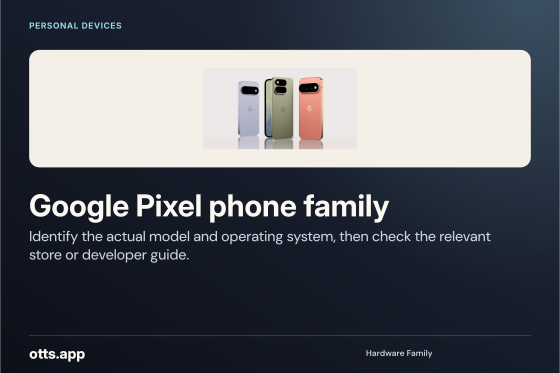
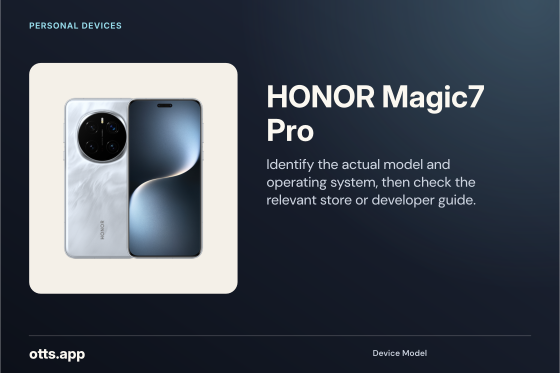
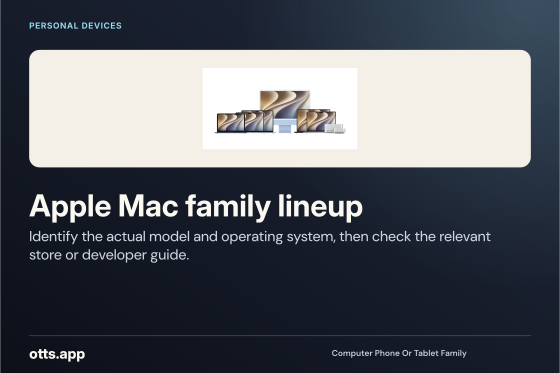
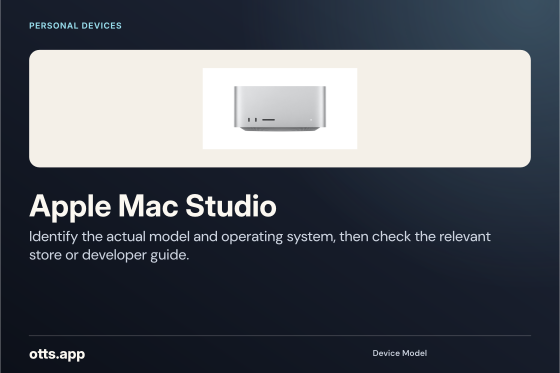
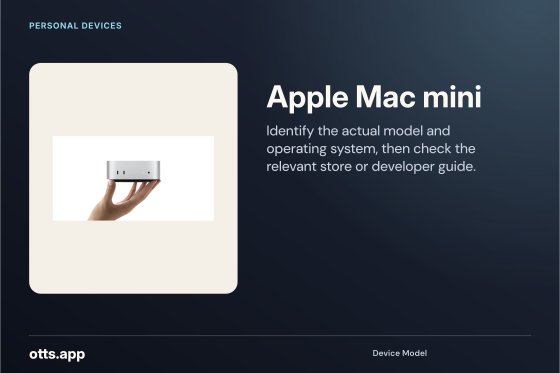
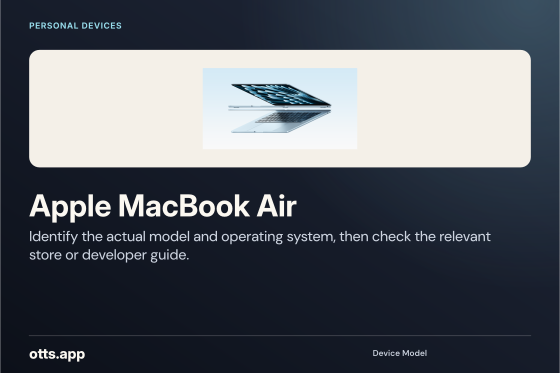
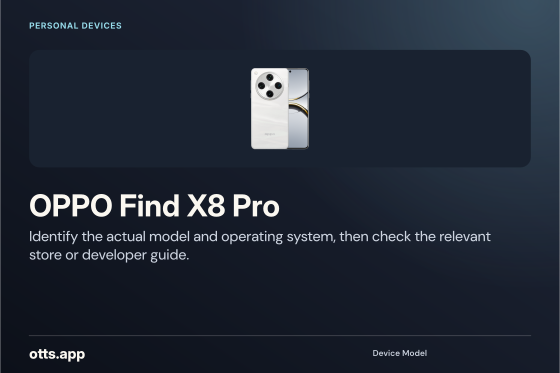
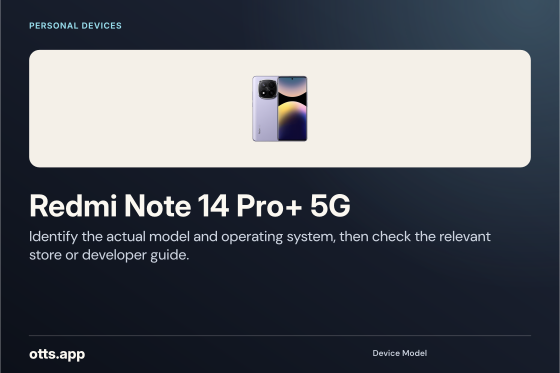
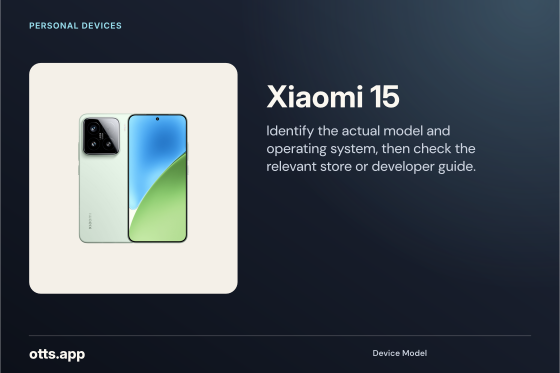
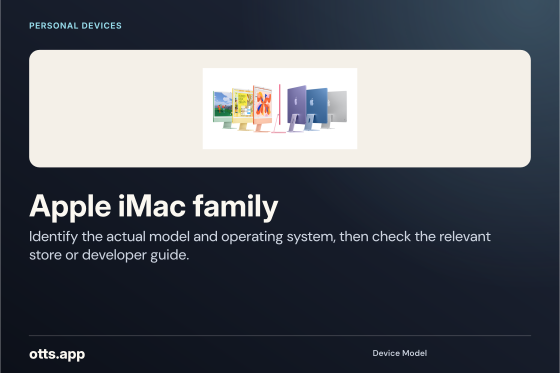
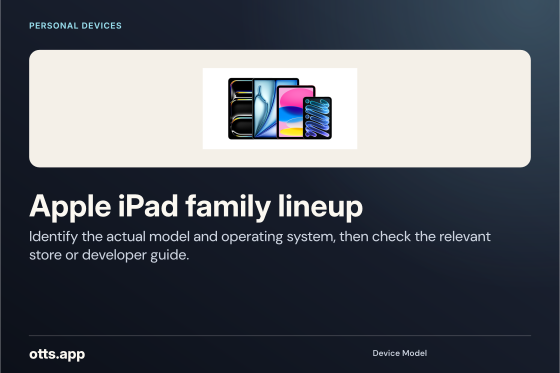
Personal devices
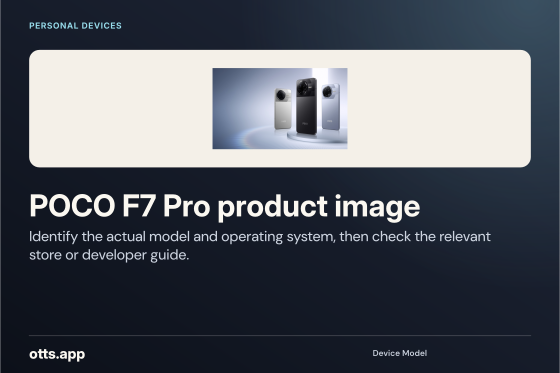
Identify the actual model and operating system, then check the relevant store or developer guide.
Open original PNG
Personal devices
Identify the actual model and operating system, then check the relevant store or developer guide.
Open original PNG
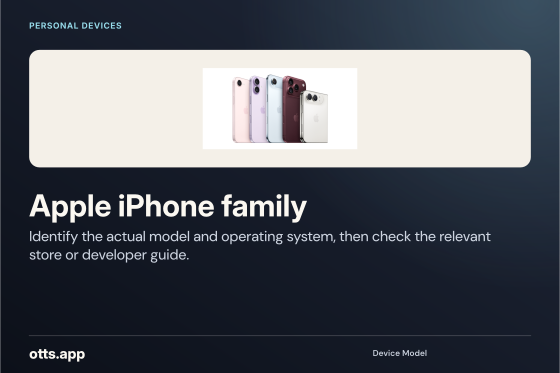
Personal devices
Identify the actual model and operating system, then check the relevant store or developer guide.
Open original PNG
Personal devices
Identify the actual model and operating system, then check the relevant store or developer guide.
Open original PNG
Personal devices
Identify the actual model and operating system, then check the relevant store or developer guide.
Open original PNG
Personal devices
Identify the actual model and operating system, then check the relevant store or developer guide.
Open original PNG
Personal devices
Identify the actual model and operating system, then check the relevant store or developer guide.
Open original PNG
Personal devices
Identify the actual model and operating system, then check the relevant store or developer guide.
Open original PNG
Personal devices
Identify the actual model and operating system, then check the relevant store or developer guide.
Open original PNG
Personal devices
Identify the actual model and operating system, then check the relevant store or developer guide.
Open original PNG
Personal devices
Identify the actual model and operating system, then check the relevant store or developer guide.
Open original PNG
Personal devices
Identify the actual model and operating system, then check the relevant store or developer guide.
Open original PNG
Personal devices
Identify the actual model and operating system, then check the relevant store or developer guide.
Open original PNG
Personal devices
Identify the actual model and operating system, then check the relevant store or developer guide.
Open original PNG
Personal devices
Identify the actual model and operating system, then check the relevant store or developer guide.
Open original PNG
Personal devices
Identify the actual model and operating system, then check the relevant store or developer guide.
Open original PNG
Personal devices
Identify the actual model and operating system, then check the relevant store or developer guide.
Open original PNG
Personal devices
Identify the actual model and operating system, then check the relevant store or developer guide.
Open original PNG
Personal devices
Identify the actual model and operating system, then check the relevant store or developer guide.
Open original PNG
Personal devices
Identify the actual model and operating system, then check the relevant store or developer guide.
Open original PNG
Player & middleware
Check the exact software publisher, installed version and supported account method.
Open original PNG
Browser & casting
Verify the sender, receiver or browser version and the streaming publisher’s current requirements.
Open original PNG
Operating system
Check the installed VIZIO Home Screen version and current publisher requirements before selecting an app.
Open original PNG
Player & middleware
Check the exact software publisher, installed version and supported account method.
Open original PNG
Player & middleware
Check the exact software publisher, installed version and supported account method.
Open original PNG
Player & middleware
Check the exact software publisher, installed version and supported account method.
Open original PNG
Operating system
Check the installed Android version and current publisher requirements before selecting an app.
Open original PNG
Operating system
Check the installed Android TV platform wordmark version and current publisher requirements before selecting an app.
Open original PNG
Operating system
Check the installed CoreELEC version and current publisher requirements before selecting an app.
Open original PNG
Operating system
Check the installed Debian version and current publisher requirements before selecting an app.
Open original PNG
Operating system
Check the installed Fedora version and current publisher requirements before selecting an app.
Open original PNG
Operating system
Check the installed Google TV version and current publisher requirements before selecting an app.
Open original PNG
Operating system
Check the installed HarmonyOS version and current publisher requirements before selecting an app.
Open original PNG
Operating system
Check the installed Linux version and current publisher requirements before selecting an app.
Open original PNG
Operating system
Check the installed Linux Mint version and current publisher requirements before selecting an app.
Open original PNG
Operating system
Check the installed RDK version and current publisher requirements before selecting an app.
Open original PNG
Operating system
Check the installed Ubuntu version and current publisher requirements before selecting an app.
Open original PNG
Operating system
Check the installed VIDAA version and current publisher requirements before selecting an app.
Open original PNG
Operating system
Check the installed Windows 11 version and current publisher requirements before selecting an app.
Open original PNG
Operating system
Check the installed Windows 8 version and current publisher requirements before selecting an app.
Open original PNG
Operating system
Check the installed iOS version and current publisher requirements before selecting an app.
Open original PNG
Operating system
Check the installed iPadOS version and current publisher requirements before selecting an app.
Open original PNG
Operating system
Check the installed macOS version and current publisher requirements before selecting an app.
Open original PNG
Operating system
Check the installed tvOS version and current publisher requirements before selecting an app.
Open original PNG
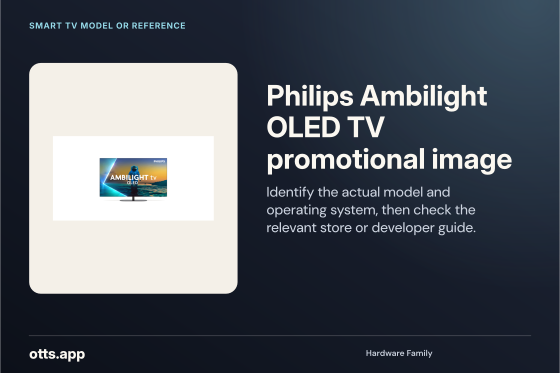
Smart TV model or reference
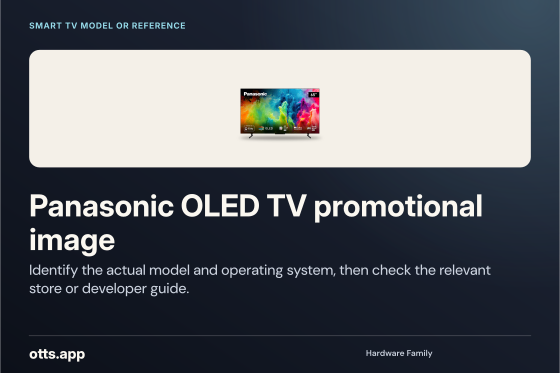
Identify the actual model and operating system, then check the relevant store or developer guide.
Open original PNG
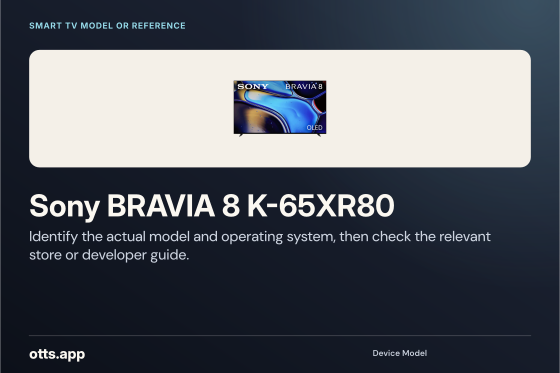
Smart TV model or reference
Identify the actual model and operating system, then check the relevant store or developer guide.
Open original PNG
Smart TV model or reference
Identify the actual model and operating system, then check the relevant store or developer guide.
Open original PNG
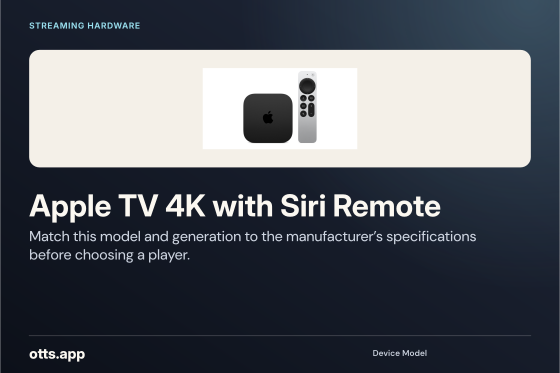
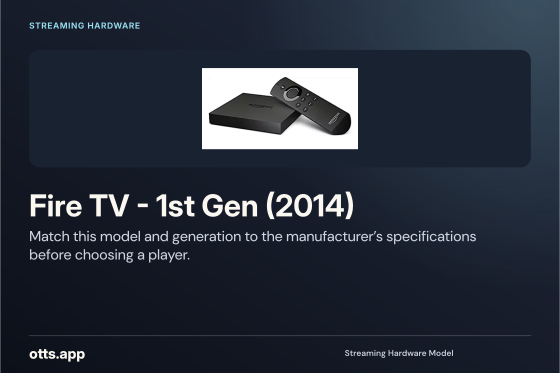
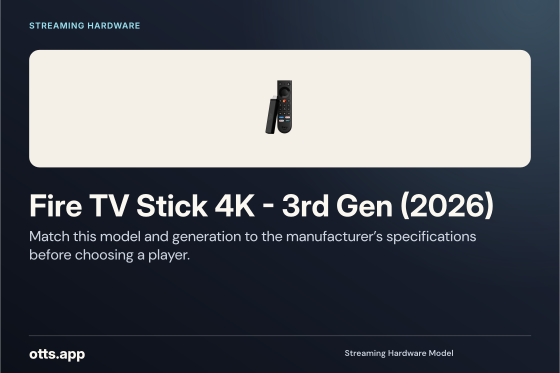
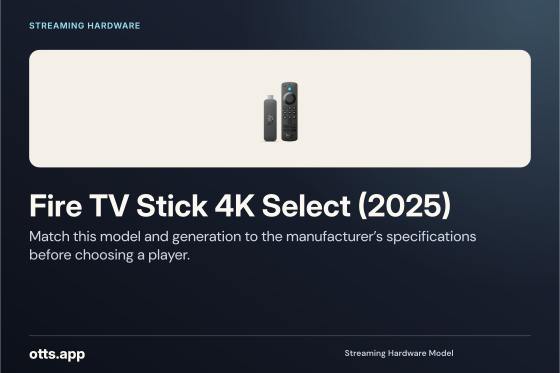
Streaming hardware
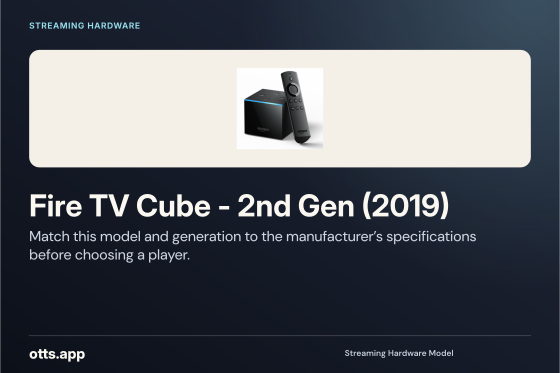
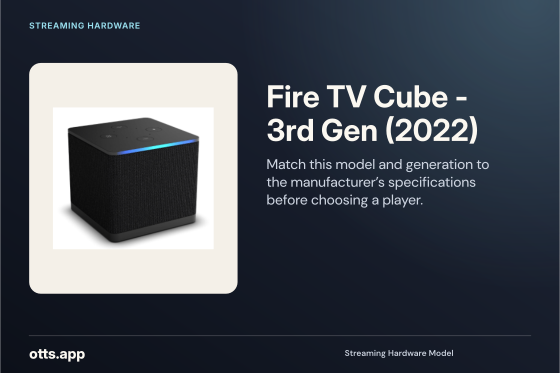
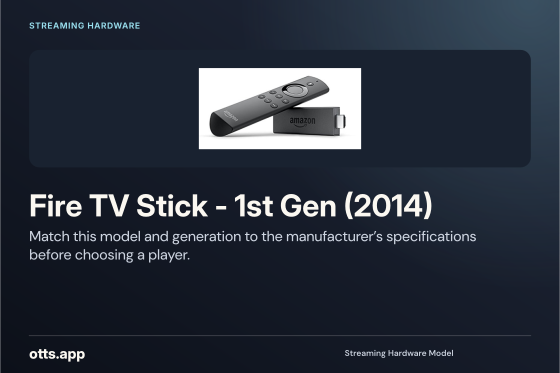
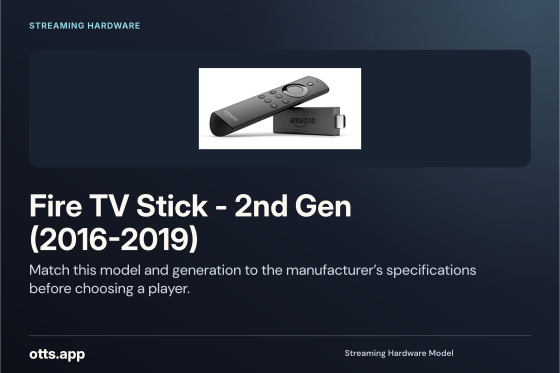
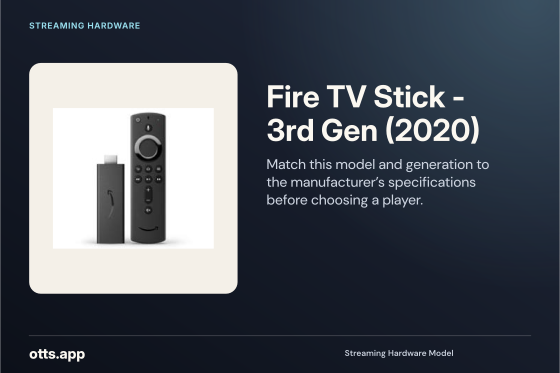
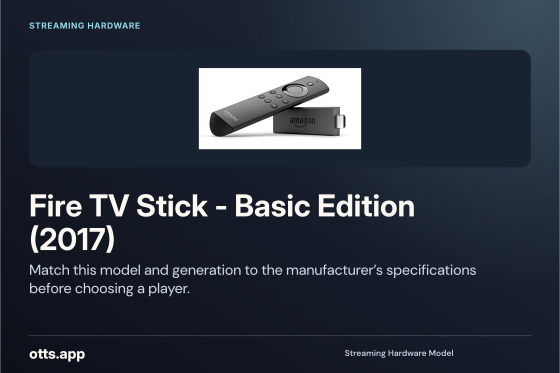
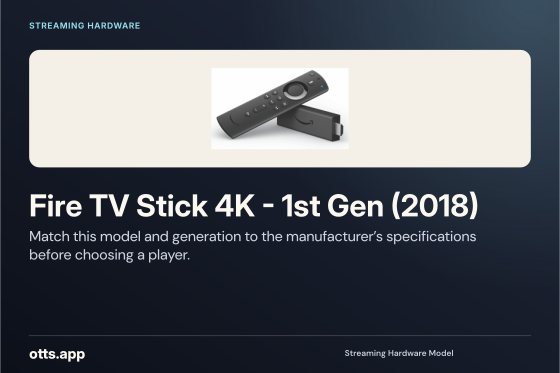
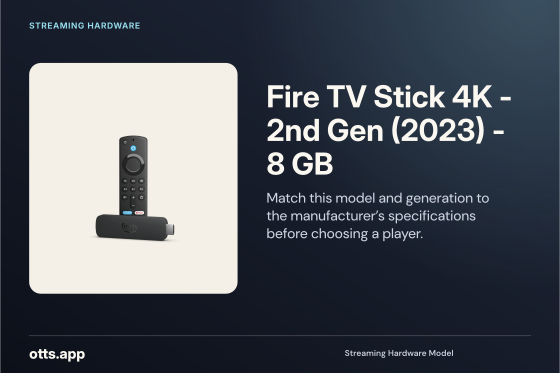
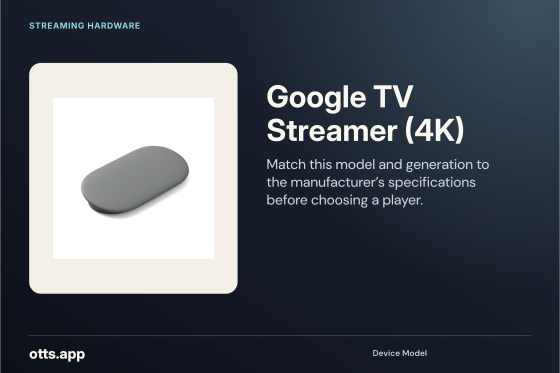
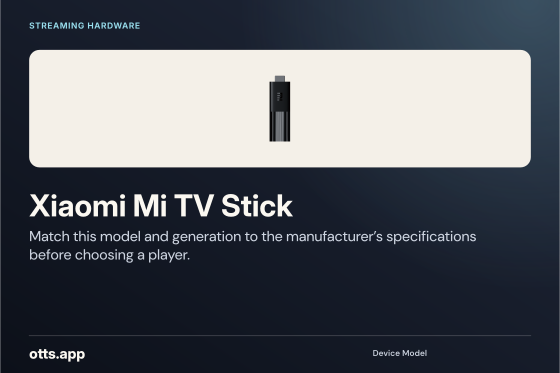
Match this model and generation to the manufacturer’s specifications before choosing a player.
Open original PNG
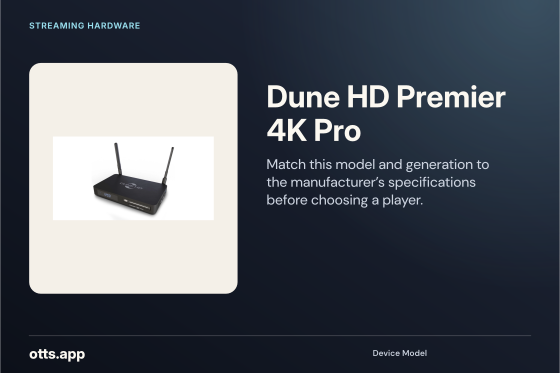
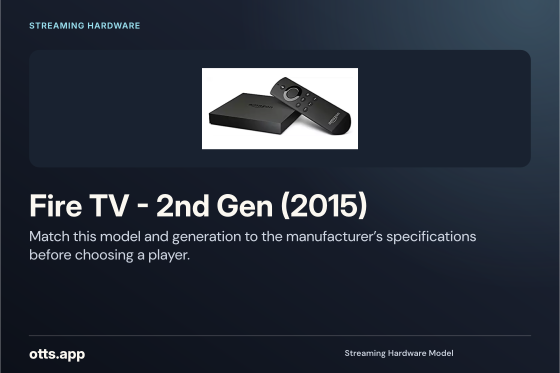
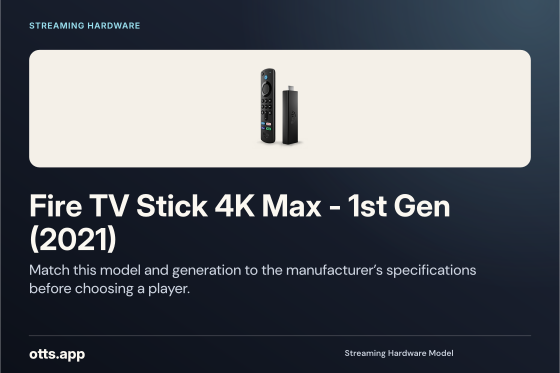
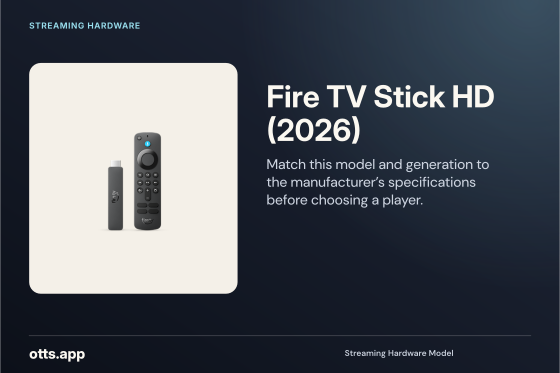
Streaming hardware
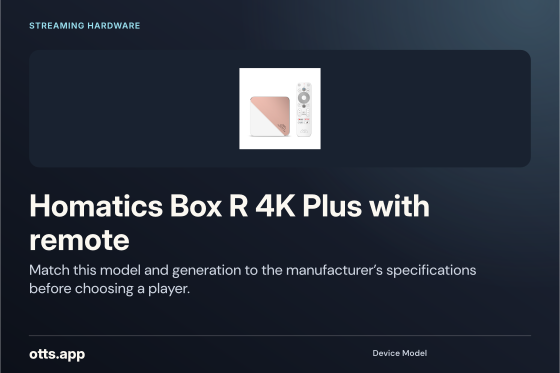
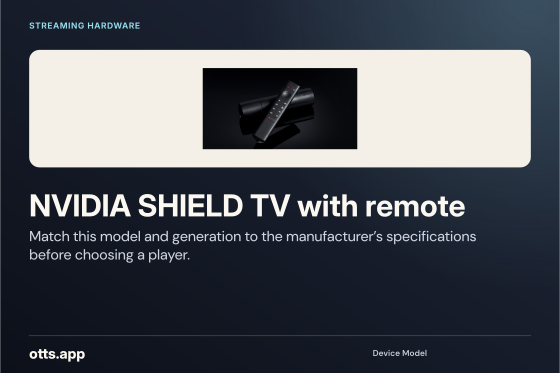
Match this model and generation to the manufacturer’s specifications before choosing a player.
Open original PNG
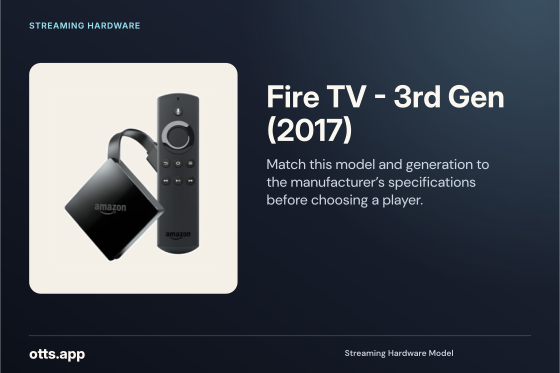
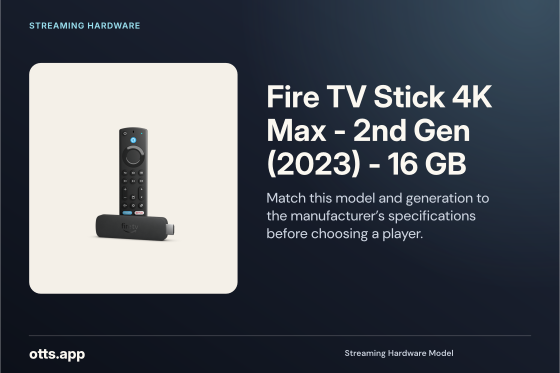
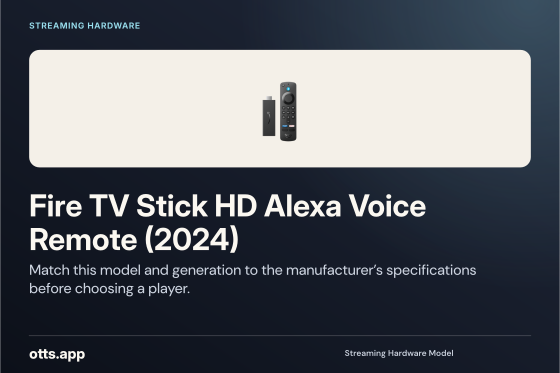
Streaming hardware
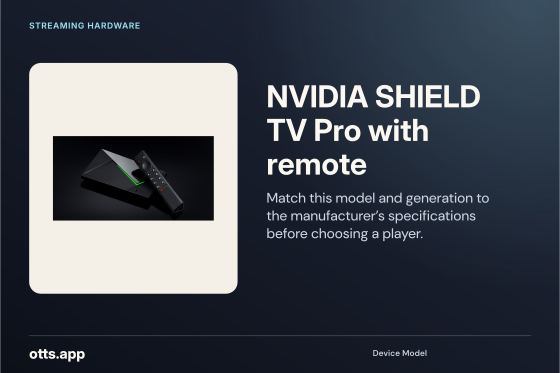
Match this model and generation to the manufacturer’s specifications before choosing a player.
Open original PNG
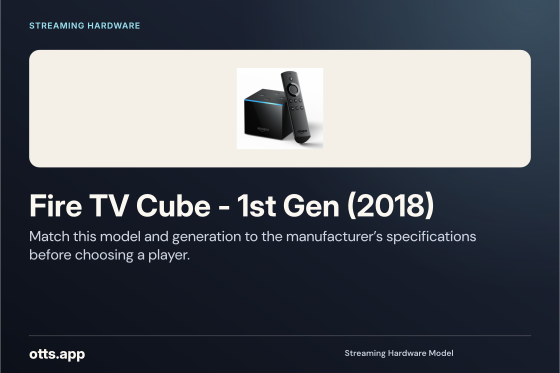
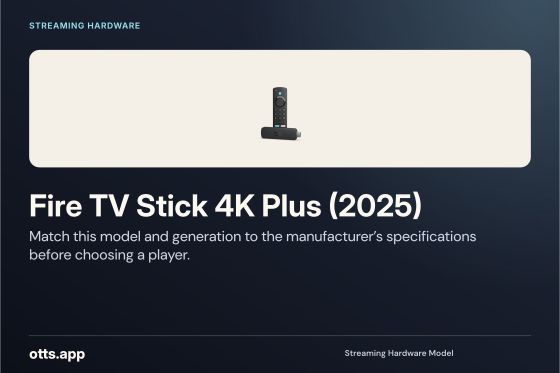
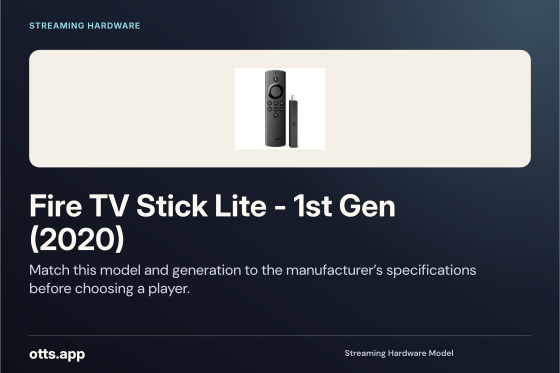
Streaming hardware
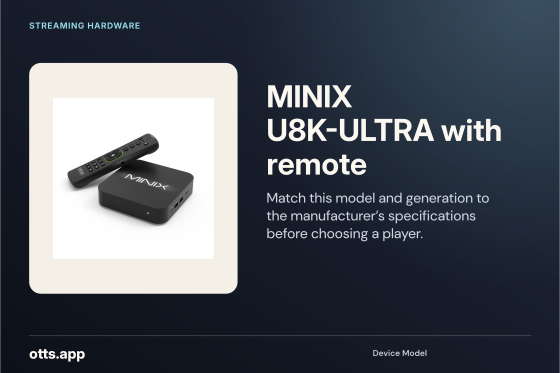
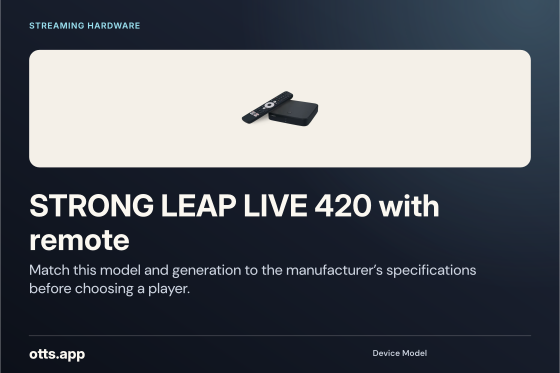
Match this model and generation to the manufacturer’s specifications before choosing a player.
Open original PNG
Streaming hardware
Match this model and generation to the manufacturer’s specifications before choosing a player.
Open original PNG
Streaming hardware
Match this model and generation to the manufacturer’s specifications before choosing a player.
Open original PNG
Streaming hardware
Match this model and generation to the manufacturer’s specifications before choosing a player.
Open original PNG
Streaming hardware
Match this model and generation to the manufacturer’s specifications before choosing a player.
Open original PNG
Streaming hardware
Match this model and generation to the manufacturer’s specifications before choosing a player.
Open original PNG
Streaming hardware
Match this model and generation to the manufacturer’s specifications before choosing a player.
Open original PNG
Streaming hardware
Match this model and generation to the manufacturer’s specifications before choosing a player.
Open original PNG
Streaming hardware
Match this model and generation to the manufacturer’s specifications before choosing a player.
Open original PNG
Streaming hardware
Match this model and generation to the manufacturer’s specifications before choosing a player.
Open original PNG
Streaming hardware
Match this model and generation to the manufacturer’s specifications before choosing a player.
Open original PNG
Streaming hardware
Match this model and generation to the manufacturer’s specifications before choosing a player.
Open original PNG
Streaming hardware
Match this model and generation to the manufacturer’s specifications before choosing a player.
Open original PNG
Streaming hardware
Match this model and generation to the manufacturer’s specifications before choosing a player.
Open original PNG
Streaming hardware
Match this model and generation to the manufacturer’s specifications before choosing a player.
Open original PNG
Streaming hardware
Match this model and generation to the manufacturer’s specifications before choosing a player.
Open original PNG
Streaming hardware
Match this model and generation to the manufacturer’s specifications before choosing a player.
Open original PNG
Streaming hardware
Match this model and generation to the manufacturer’s specifications before choosing a player.
Open original PNG
Streaming hardware
Match this model and generation to the manufacturer’s specifications before choosing a player.
Open original PNG
Streaming hardware
Match this model and generation to the manufacturer’s specifications before choosing a player.
Open original PNG
Streaming hardware
Match this model and generation to the manufacturer’s specifications before choosing a player.
Open original PNG
Streaming hardware
Match this model and generation to the manufacturer’s specifications before choosing a player.
Open original PNG
Streaming hardware
Match this model and generation to the manufacturer’s specifications before choosing a player.
Open original PNG
Streaming hardware
Match this model and generation to the manufacturer’s specifications before choosing a player.
Open original PNG
Streaming hardware
Match this model and generation to the manufacturer’s specifications before choosing a player.
Open original PNG
Streaming hardware
Match this model and generation to the manufacturer’s specifications before choosing a player.
Open original PNG
Streaming hardware
Match this model and generation to the manufacturer’s specifications before choosing a player.
Open original PNG
Streaming hardware
Match this model and generation to the manufacturer’s specifications before choosing a player.
Open original PNG
Streaming hardware
Match this model and generation to the manufacturer’s specifications before choosing a player.
Open original PNG
Streaming hardware
Match this model and generation to the manufacturer’s specifications before choosing a player.
Open original PNG
Personal devices
Identify the actual model and operating system, then check the relevant store or developer guide.
Open original PNG
Streaming hardware
Match this model and generation to the manufacturer’s specifications before choosing a player.
Open original PNG
Personal devices
Identify the actual model and operating system, then check the relevant store or developer guide.
Open original PNG
Streaming hardware
Match this model and generation to the manufacturer’s specifications before choosing a player.
Open original PNG
Smart TV model or reference
Identify the actual model and operating system, then check the relevant store or developer guide.
Open original PNG
Operating system
Check the installed Amazon Fire TV — legacy community vector version and current publisher requirements before selecting an app.
Open original PNG
Operating system
Check the installed Samsung Tizen OS version and current publisher requirements before selecting an app.
Open original PNG
Operating system
Check the installed webOS TV Developer wordmark version and current publisher requirements before selecting an app.
Open original PNG
Streaming hardware
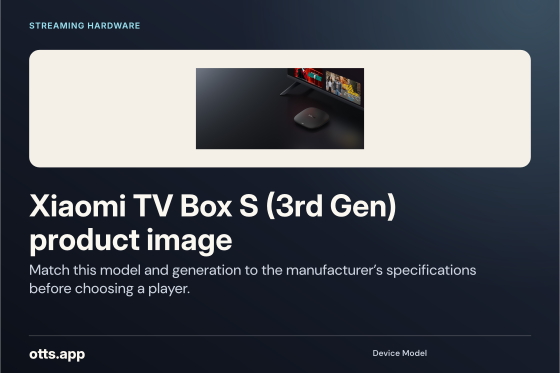
Match this model and generation to the manufacturer’s specifications before choosing a player.
Open original PNG
Personal devices
Identify the actual model and operating system, then check the relevant store or developer guide.
Open original PNG
Practical setup
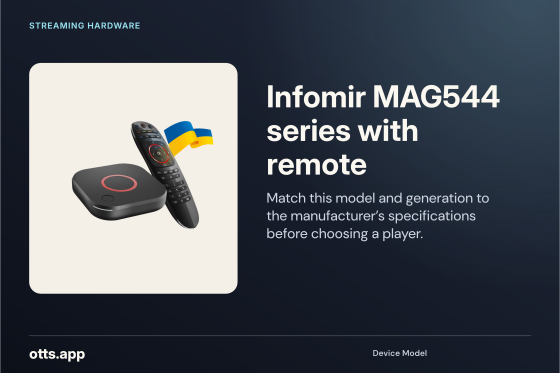
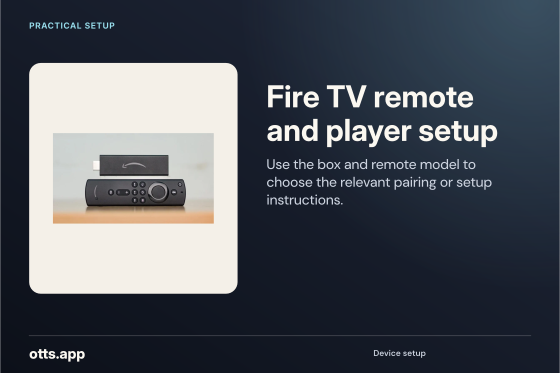
Use the box and remote model to choose the relevant pairing or setup instructions.
Open original PNG
Practical setup
Verify the casting control in the sender app and a compatible receiver on your network.
Open original PNG
Practical setup
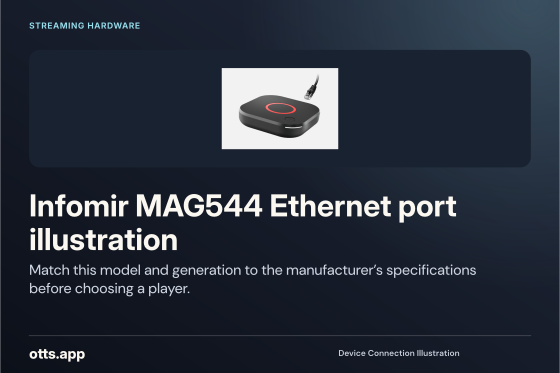
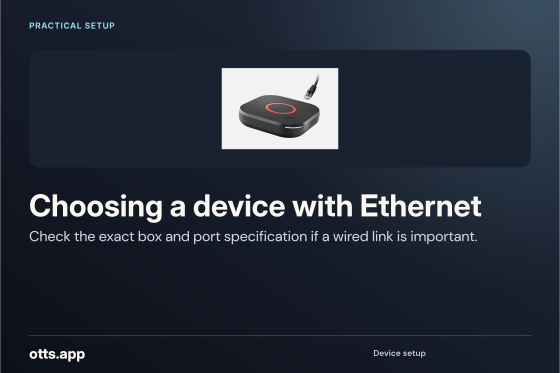
Check the exact box and port specification if a wired link is important.
Open original PNG